Motivation #
- I wanted to test out the new Unsloth models for
Qwen3.6andGemma4on my gaming PC.llama.cppon Windows is tedious to compile, and I have littered my Windows installation with too many toolchains already. Python venvs, Mingw, Cuda, UCRT64 & WSL to name a few. Windows still does not feel developer friendly to me. I think I’m ok with it being a frontend for Steam’sBig Picturemode. - I didn’t want to disturb my Windows setup that I use for gaming. Windows has a nasty habit of breaking GRUB on updates. UEFI fixes that to some extent, but it’s a pain to maintain the UEFI entries manually and change them every time the kernel updates. One of the best benefits of using the method described here is that GRUB is also on the remote drive.
- I have a couple of NVME drives in the PC, both contain a few games that I play frequently. I didn’t want to get into the hassle of repartitioning everything that the boot loader works with both Linux & Windows.
- Sure I can use a USB drive and in the past I have done so, but I tend to misplace my USB drives everywhere and when I urgently need one, I tend to pick the USB that’s readily available e.g. for some FedEx printing or as backup drive for photos when on vacation. I end up wiping the Linux USBs more often than not. I already have a NAS, so why not use remote boot ?
- I always wanted to know how PXE worked over iSCSI.
Limitations #
Installing Debian on a network drive will indeed be noticeably slower than a native install. Since I’m going to use some portion of my local NVMe drive to store & load the models, I didn’t really care about the OS performance as I have enough RAM to run everything smoothly once the OS has booted up. I won’t be using this for browsing stuff using Firefox.
Assumptions #
A single Debian 13 based server is used for Netboot.xyz, tftpd, iSCSI Target & ZFS ZVol. My Proxmox install works perfectly fine for this. I used my Asus Router with the Merlin firmware for DNSMasq.
The post is broken down into the following sections:
- Install & Configure Netboot.xyz
- Configure TFTP
- Configure DNSMasq on Router
- ZFS ZVol Creation
- iSCSI Configuration
- Install Debian
Install & configure Netboot.xyz #
I’m using my Proxmox host to export my iSCSI targets. Install the required packages.
apt install apache2 git ansible tftpd-hpa targetcli-fb
Clone & compile netboot. One can use netboot directly without compiling, but then it downloads all the assets at runtime which, although handy, is not something that I would recommend.
cd /opt
git clone https://github.com/netbootxyz/netboot.xyz.git
cd netboot.xyz
We edit a few config files to tailor our netboot install. Edit /opt/netboot.xyz/user_overrides.yml with the below contents:
generate_menus: true
generate_disks: true
generate_checksums: true
generate_local_vars: false
make_num_jobs: 1

site_name: 192.168.50.167
boot_domain: 192.168.50.167
Ensure site_name & boot_domain points to the netboot host. It is the same as the Proxmox host in my case.
Now we fix up some netboot templates so we can boot our installer & iSCSI.
Edit /opt/netboot.xyz/roles/netbootxyz/templates/menu/boot.cfg.j2 — find the :end section and change it to:
:end
chain local-vars.ipxe ||
exit
Edit /opt/netboot.xyz/roles/netbootxyz/templates/local-vars.ipxe.j2 and change it to:
#!ipxe
set custom_url http://192.168.50.167
Use ansible to install netbootxyz to /var/www/html. This can take a while…
ansible-playbook -i inventory site.yml
Now we need to add a custom menu to boot from our disks. If the disk does not have an OS, it will start the Debian installer. If you want to install the OS on multiple machines, feel free to create different ipxe files for the installer & the boot disks. Create /var/www/html/debian13-iscsi.ipxe and change it as below. Make sure the IP addresses & IQNs are correct.
#!ipxe

set iscsi-server 192.168.50.167
set iscsi-target iqn.2026-05.xyz.716697.pve-vt:tank-debian-disk-12700k
set initiator-iqn iqn.2026-05.xyz.716697.pve-vt:12700k
set username myuser
set password mypassword
set reverse-username targetuser
set reverse-password targetpassword

sanboot iscsi:${iscsi-server}::::${iscsi-target} || goto installer

:installer
imgfree
kernel http://${iscsi-server}/assets/debian13/linux
initrd http://${iscsi-server}/assets/debian13/initrd.gz
imgargs linux root=/dev/ram0 initrd=initrd.gz vga=normal
boot
Create the custom netboot.xyz entry. Create a new file /var/www/html/custom.ipxe
#!ipxe
menu Local Custom Menu
item --gap Local iSCSI Installs:
item debian13-iscsi  Debian 13 iSCSI Boot (192.168.50.167)
item --gap --
item back            Back to main menu
choose menu || goto back
goto ${menu}

:debian13-iscsi
chain http://192.168.50.167/debian13-iscsi.ipxe ||
goto back

:back
chain http://192.168.50.167/menu.ipxe
Download the Debian initrd installer.
mkdir -p /var/www/html/assets/debian13
cd /var/www/html/assets/debian13
wget http://ftp.debian.org/debian/dists/trixie/main/installer-amd64/current/images/netboot/debian-installer/amd64/initrd.gz
wget http://ftp.debian.org/debian/dists/trixie/main/installer-amd64/current/images/netboot/debian-installer/amd64/linux
In case you want the fancy GTK/GUI installer, use as below. This might be an issue if you are using an exotic GPU.
mkdir -p /var/www/html/assets/debian13-gtk
cd /var/www/html/assets/debian13-gtk
wget http://ftp.debian.org/debian/dists/trixie/main/installer-amd64/current/images/netboot/gtk/debian-installer/amd64/initrd.gz
wget http://ftp.debian.org/debian/dists/trixie/main/installer-amd64/current/images/netboot/gtk/debian-installer/amd64/linux
Configure TFTP #
Configure in /etc/default/tftpd-hpa
TFTP_USERNAME="tftp"
TFTP_DIRECTORY="/srv/tftp"
TFTP_ADDRESS=":69"
TFTP_OPTIONS="--secure"
Copy the netboot.xyz binaries we compiled into tftp/ipxe.
mkdir -p /srv/tftp/ipxe
cp /var/www/html/ipxe/netboot.xyz-undionly.kpxe /srv/tftp/ipxe/
cp /var/www/html/ipxe/netboot.xyz-snp.efi /srv/tftp/ipxe/
cp /var/www/html/ipxe/netboot.xyz.efi /srv/tftp/ipxe/
chown -R tftp:tftp /srv/tftp/ipxe
service tftpd-hpa restart
Configure DNSMasq on DHCP Server #
Configure DNSMasq on your default router / DHCP server to redirect to the TFTP Server. I have an Asus router with the Merlin firmware that uses dnsmasq. Custom config goes in: /jffs/configs/dnsmasq.conf.add. Make sure IP is the same as the TFTPD host.
The different sections below are necessary to support PXE & iPXE both. I realized I needed them as my VM supported iPXE but my 12700k did not.
aniket@RT-AX86U-D290:/tmp/home/root# cat /jffs/configs/dnsmasq.conf.add
# BIOS Clients
dhcp-boot=tag:!ipxe,ipxe/netboot.xyz-undionly.kpxe,,192.168.50.167

# UEFI x86-64 clients
dhcp-match=set:efi-x86_64,option:client-arch,7
dhcp-boot=tag:efi-x86_64,ipxe/netboot.xyz-snp.efi,,192.168.50.167

# Tag iPXE clients (option 175 present)
dhcp-match=set:ipxe,175

# All other iPXE clients get the netboot.xyz menu
dhcp-boot=tag:ipxe,http://192.168.50.167/menu.ipxe
Restart dnsmasq:
service restart_dnsmasq
ZFS ZVOL Creation #
I will be very brief about ZFS. I won’t go into any specifics, apart from the fact that ZFS is cool. There is a ton of literature available elsewhere on how you can create ZFS Pools & ZVols. In lieu of ZFS, iSCSI can very well use any other connected disks.
zpool create tank /dev/disk/by-id/${DISK_ID}
zfs create -V 32G tank/debian-disk-12700k
iSCSI Configuration #
This is the trickiest part. We export the ZVOL (or any other disk) as an iSCSI target. The below block does the following:
Create iSCSI Backstore with the ZVOL as the block device. Use any other disk if you want to skip ZFS.
Create iSCSI Target for Debian Boot Disk.
Set
demo_mode_write_protect=1. This enables write protect for non-authenticated clients.Set
generate_node_acls=0.Create initiator (client) and corresponding mutual auth.
Create LUN mapping between iSCSI target & ZVOL backstore.
Verify Portal (iSCSI server) exists.
Finally, list the iSCSI config for target.
root@pve-vt:~# targetcli targetcli shell version 2.1.53 Copyright 2011-2013 by Datera, Inc and others. For help on commands, type 'help'.
/> cd /backstores/block /backstores/block> create debian-disk-12700k /dev/zvol/tank/debian-disk-12700k Created block storage object debian-disk-12700k using /dev/zvol/tank/debian-disk-12700k.
/backstores/block> cd /iscsi /iscsi> create iqn.2026-05.xyz.716697.pve-vt:tank-debian-disk-12700k Created target iqn.2026-05.xyz.716697.pve-vt:tank-debian-disk-12700k. Created TPG 1. Global pref auto_add_default_portal=true Created default portal listening on all IPs (0.0.0.0), port 3260.
/iscsi> cd iqn.2026-05.xyz.716697.pve-vt:tank-debian-disk-12700k/ /iscsi/iqn.20...n-disk-12700k> cd tpg1/ /iscsi/iqn.20...k-12700k/tpg1> set attribute demo_mode_write_protect=1 Parameter demo_mode_write_protect is now '1'.
/iscsi/iqn.20...k-12700k/tpg1> set attribute generate_node_acls=0 Parameter generate_node_acls is now '0'.
/iscsi/iqn.20...k-12700k/tpg1> cd acls /iscsi/iqn.20...00k/tpg1/acls> ls o- acls ....................................................................... [ACLs: 0]
/iscsi/iqn.20...00k/tpg1/acls> create iqn.2026-05.xyz.716697.pve-vt:12700k Created Node ACL for iqn.2026-05.xyz.716697.pve-vt:12700k
/iscsi/iqn.20...k-12700k/tpg1> cd acls/iqn.2026-05.xyz.716697.pve-vt:12700k/ /iscsi/iqn.20...pve-vt:12700k> set attribute authentication=1 Parameter authentication is now '1'.
/iscsi/iqn.20...pve-vt:12700k> set auth userid=myuser Parameter userid is now 'myuser'. /iscsi/iqn.20...pve-vt:12700k> set auth password=mypassword Parameter password is now 'mypassword'. /iscsi/iqn.20...pve-vt:12700k> set auth mutual_userid=targetuser Parameter mutual_userid is now 'targetuser'. /iscsi/iqn.20...pve-vt:12700k> set auth mutual_password=targetpassword Parameter mutual_password is now 'targetpassword'.
/iscsi/iqn.20...pve-vt:12700k> get auth AUTH CONFIG GROUP
mutual_password=targetpassword
The mutual_password auth parameter.
mutual_userid=targetuser
The mutual_userid auth parameter.
password=mypassword
The password auth parameter.
userid=myuser
The userid auth parameter.
/iscsi/iqn.20...pve-vt:12700k> cd ../../luns/ /iscsi/iqn.20...00k/tpg1/luns> create /backstores/block/debian-disk-12700k Created LUN 0. Created LUN 0->0 mapping in node ACL iqn.2026-05.xyz.716697.pve-vt:12700k
/iscsi/iqn.20...00k/tpg1/luns> cd ../portals/ /iscsi/iqn.20.../tpg1/portals> ls o- portals ................................................................. [Portals: 1] o- 0.0.0.0:3260 .................................................................. [OK]
/iscsi/iqn.20.../tpg1/portals> cd / /> saveconfig
Configuration saved to /etc/rtslib-fb-target/saveconfig.json /> cd iscsi/iqn.2026-05.xyz.716697.pve-vt:tank-debian-disk-12700k/ /iscsi/iqn.20...n-disk-12700k> ls o- iqn.2026-05.xyz.716697.pve-vt:tank-debian-disk-12700k ...................... [TPGs: 1] o- tpg1 ................................................... [no-gen-acls, auth per-acl] o- acls ................................................................... [ACLs: 1] | o- iqn.2026-05.xyz.716697.pve-vt:12700k ............. [mutual auth, Mapped LUNs: 1] | o- mapped_lun0 ............................. [lun0 block/debian-disk-12700k (rw)] o- luns ................................................................... [LUNs: 1] | o- lun0 [block/debian-disk-12700k (/dev/zvol/tank/debian-disk-12700k) (default_tg_pt_gp)] o- portals ............................................................. [Portals: 1] o- 0.0.0.0:3260 .............................................................. [OK] /iscsi/iqn.20...n-disk-12700k> cd / /> exit Global pref auto_save_on_exit=true Last 10 configs saved in /etc/rtslib-fb-target/backup/. Configuration saved to /etc/rtslib-fb-target/saveconfig.json root@pve-vt:~#
Install Debian #
The screenshots are taken from a Debian install on a VM. This method works just as fine on my PC with the 12700k. Documenting screenshots would have been a pain with the installer running on my PC.
- Boot up the VM and we are greeted with the
netbootmenu along with our custom menu item. SelectCustom URL Menu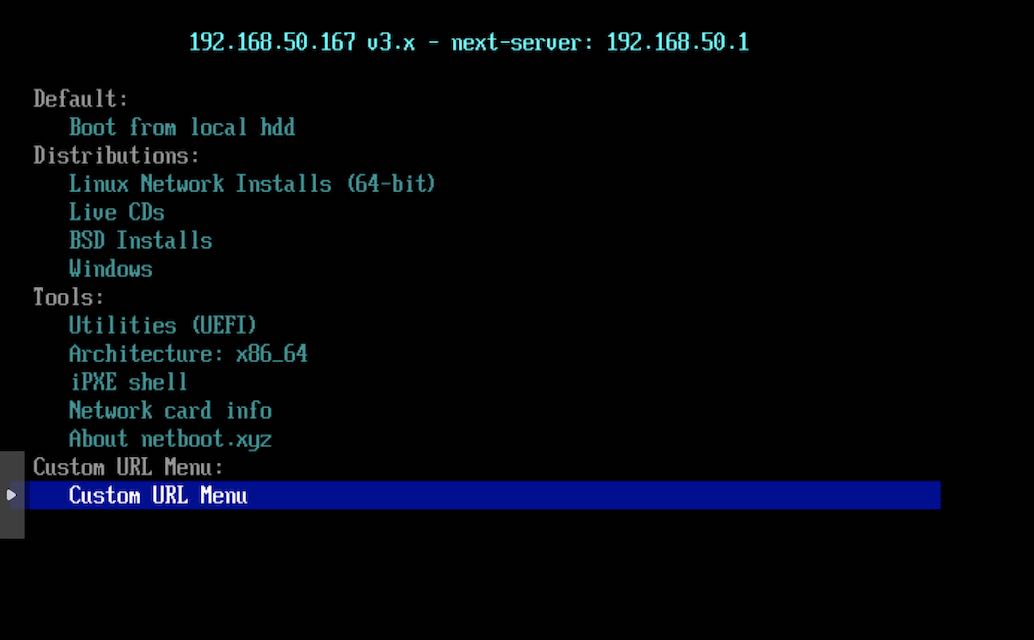
- Select Debian13 entry we made earlier in
debian13-iscsi.ipxe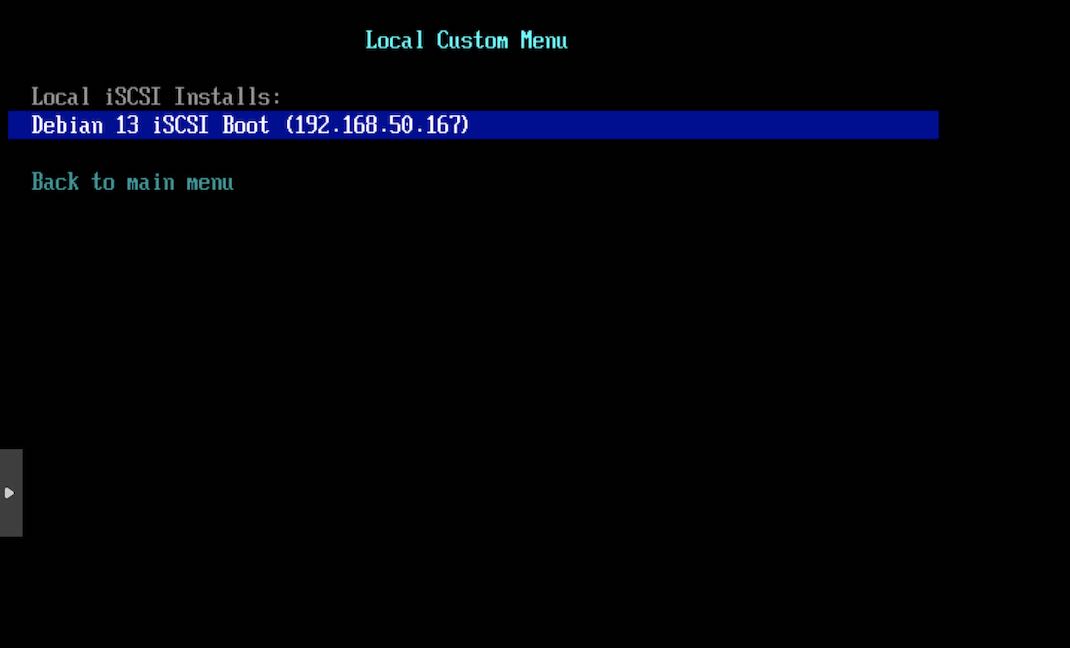
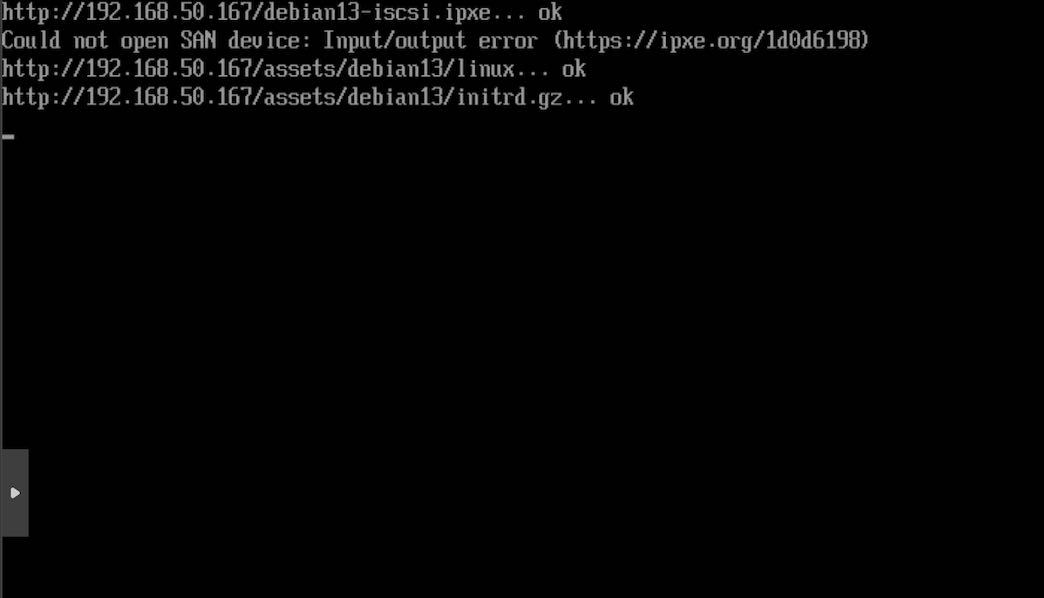
- The logs show that netboot tried to boot through the disk, but failed as we have not installed the OS yet. It proceeds to boot up the Debian 13 installer initrd & the kernel.
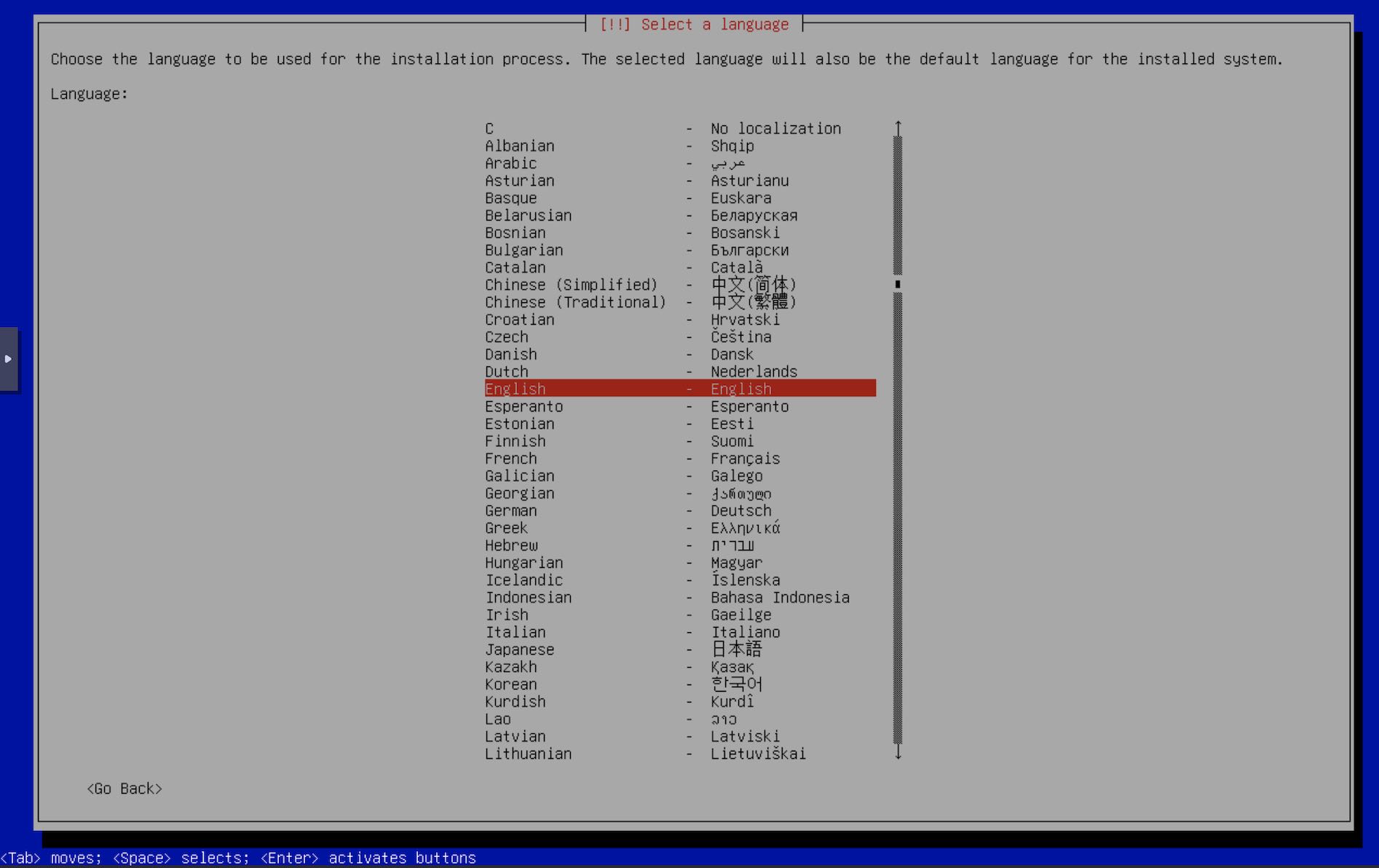
- The installer boots up and we can now continue through it as with any other Debian install. Select your language.
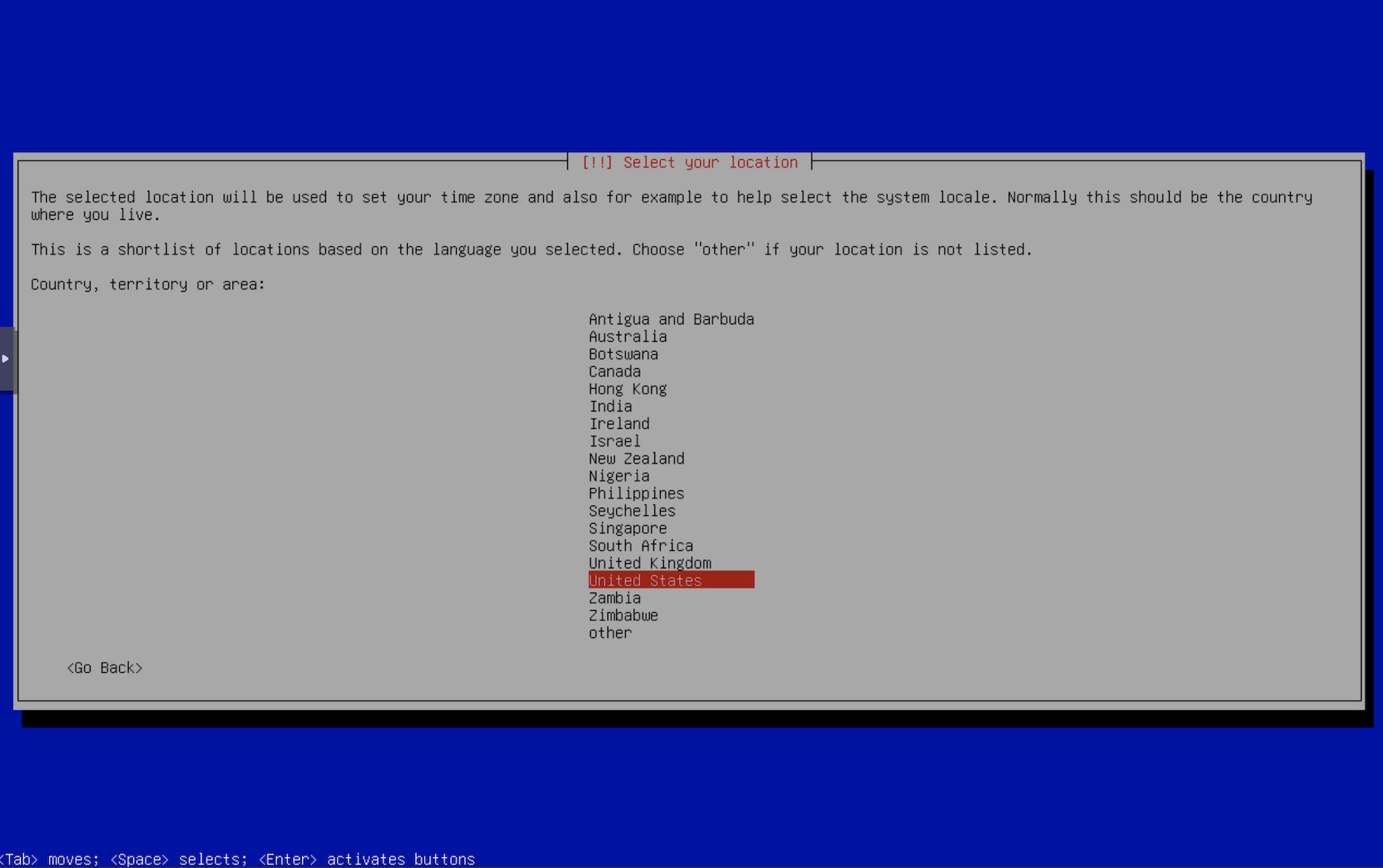
- Select your location.
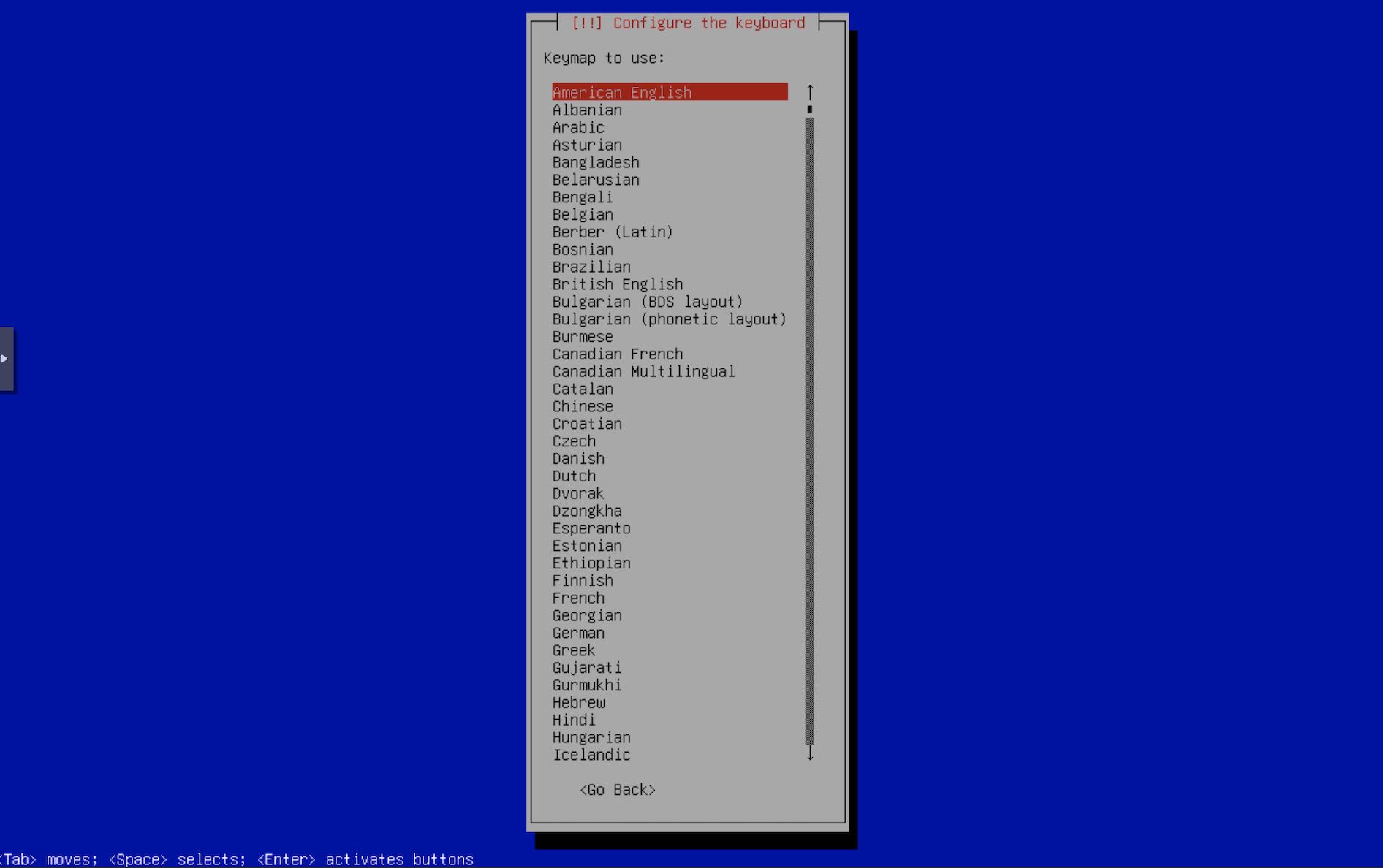
- Select your keyboard layout.
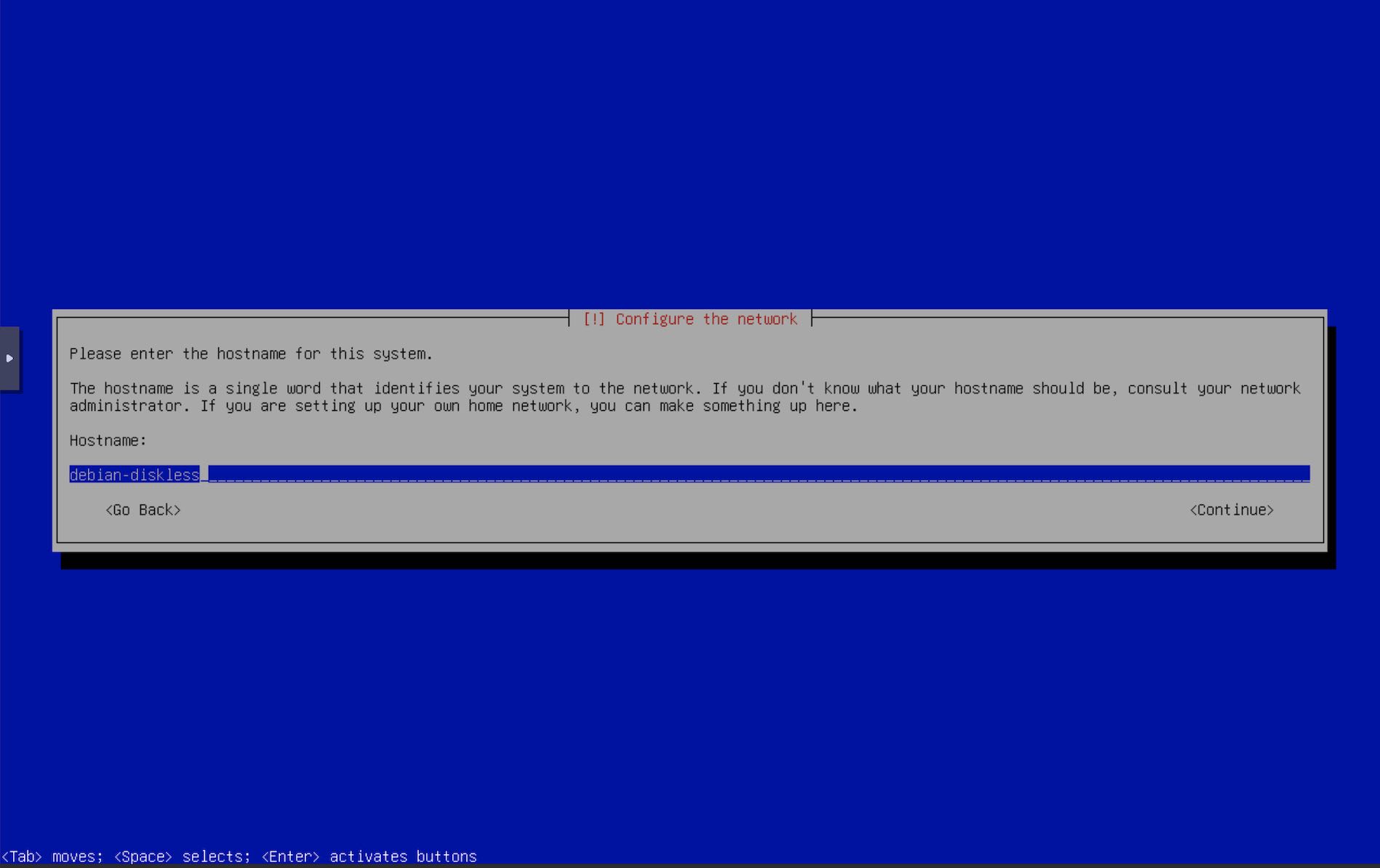
- Enter hostname.
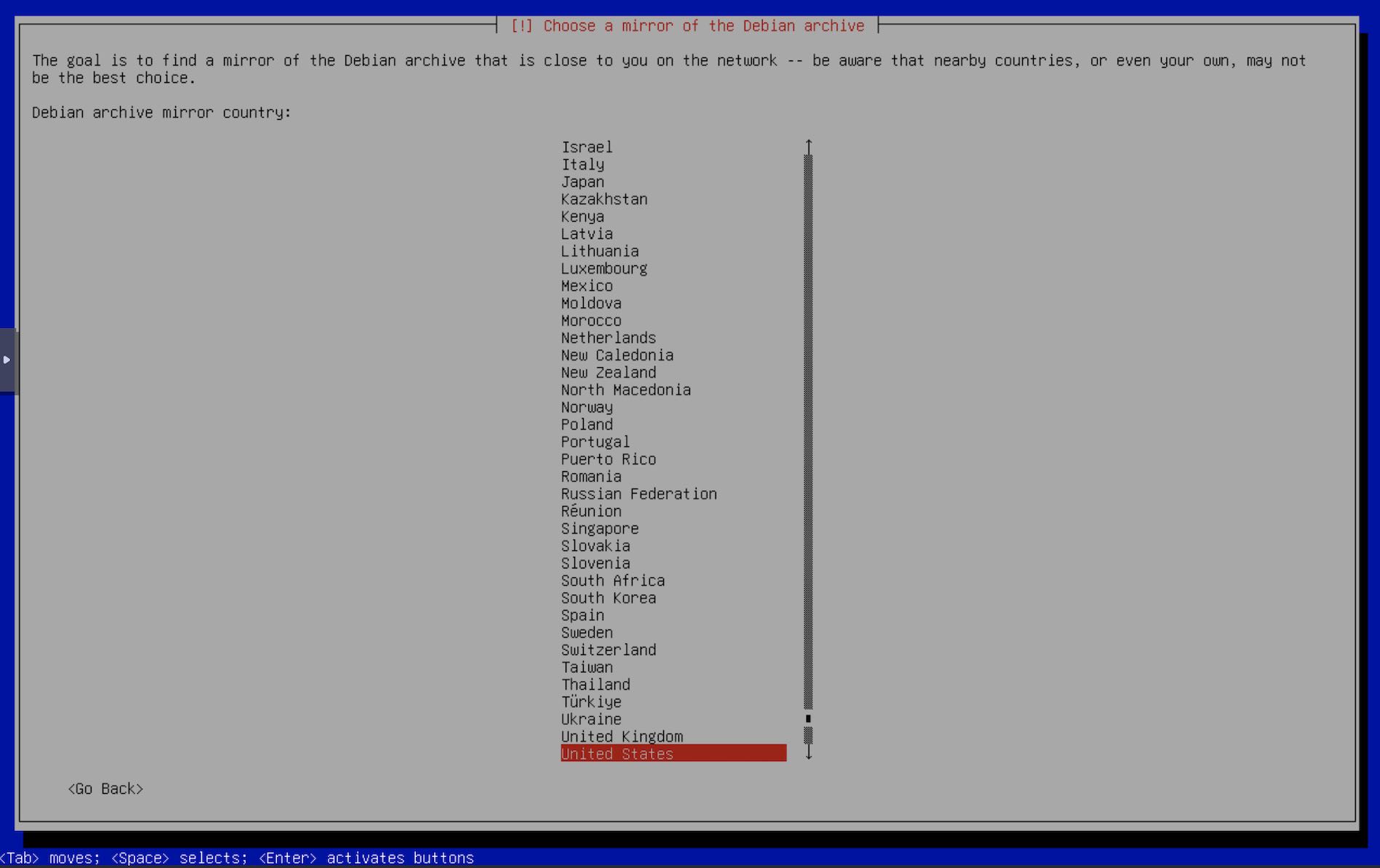
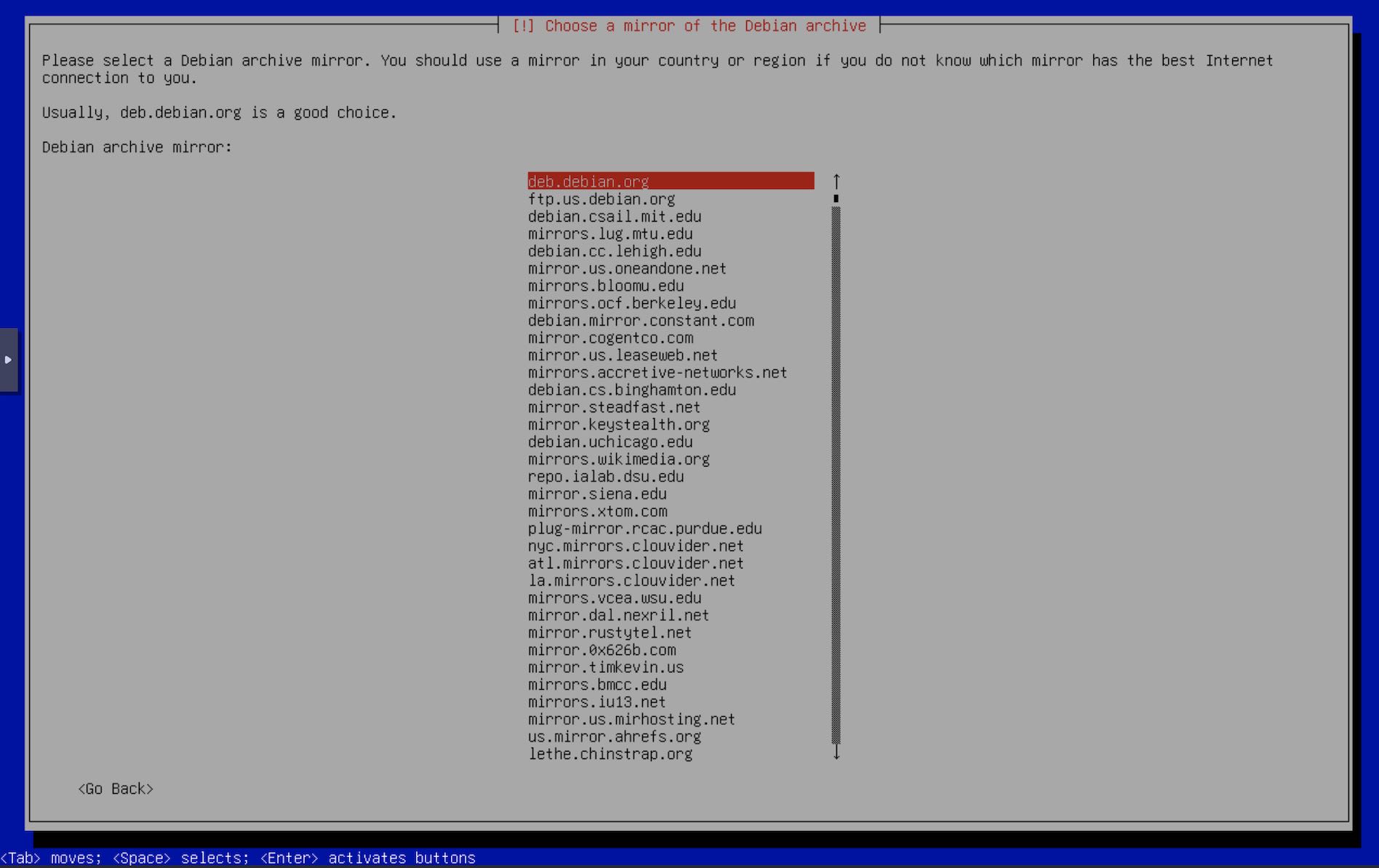
- Select your debian package mirrors.
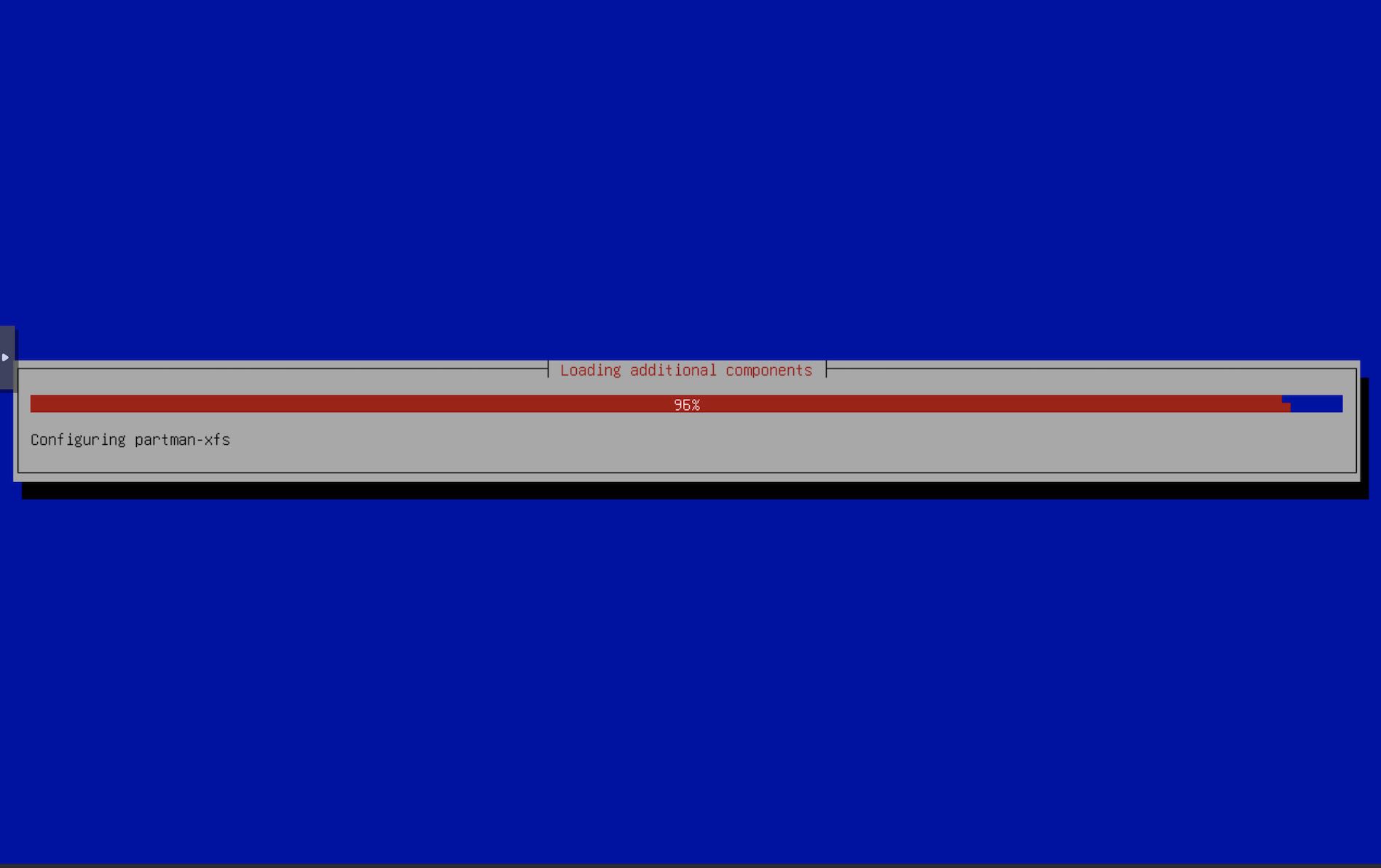
- The installer installs a few packages required for the installer to continue.
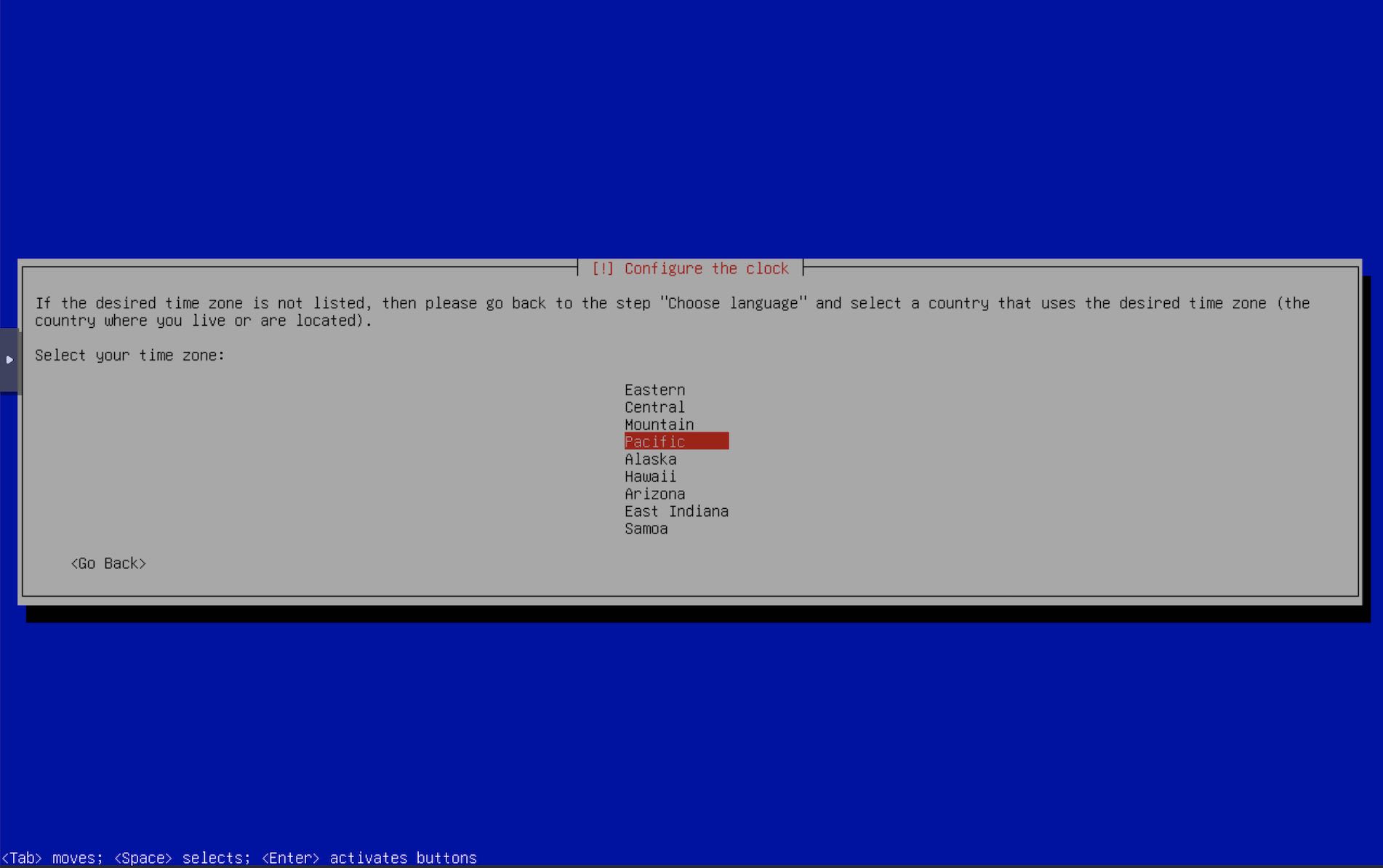
- Select your timezone
- This is where the fun part begins. The installer now tries to detect disks, but does not find any. It prompts you to check if you have any device drivers for the disks that it may not have detected. We don’t want this for now. Select
Continue with no disk drive. You may not see this screen if the installer finds some disks on the system. We don’t have any.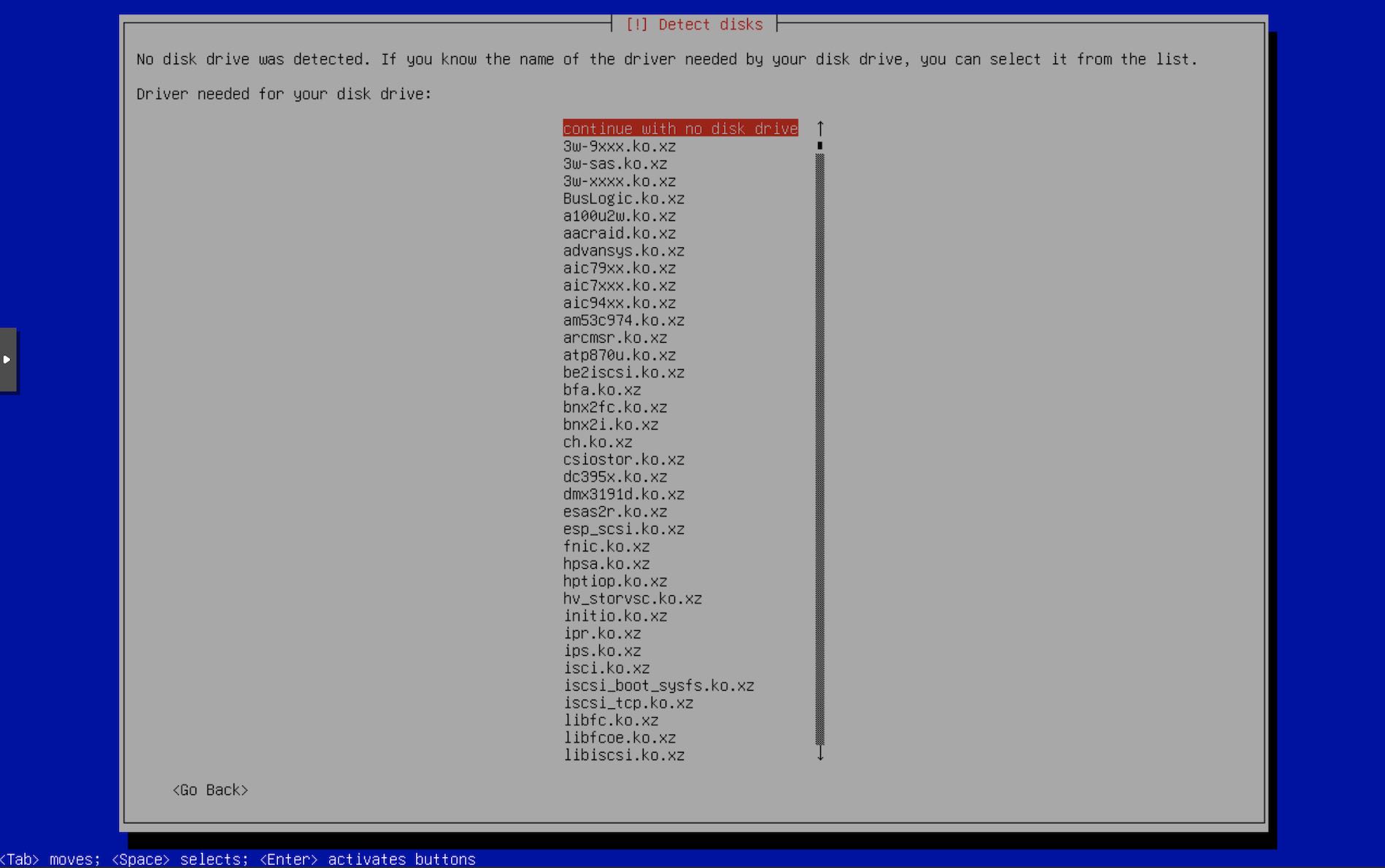
- Next screen will list the detected drives. Select
Configure iSCSI volumes.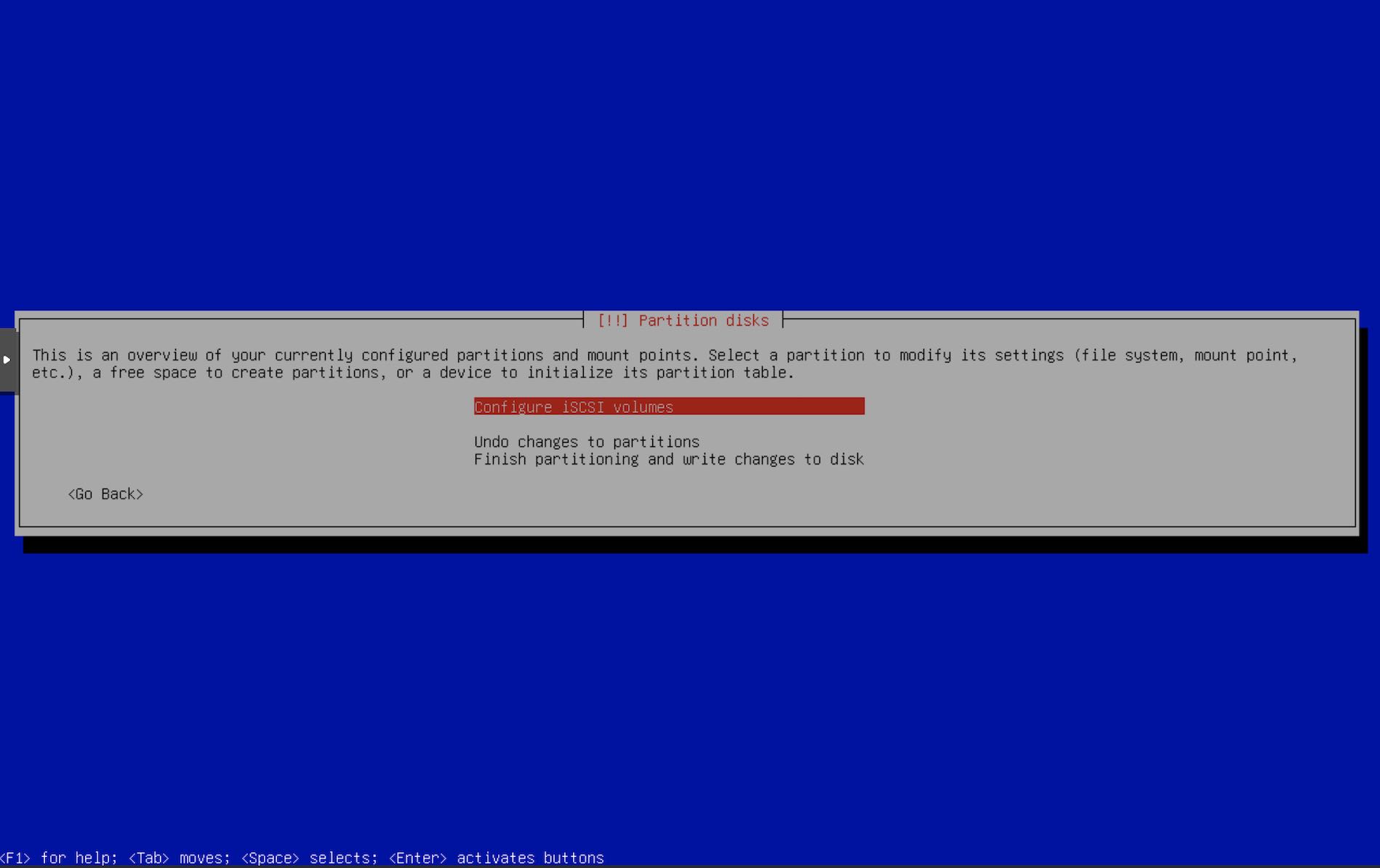
- Next screen asks if you want to login to any iSCSI server that you may have. This is where we press Super+F2 to change to TTY 2 and add the auth details.
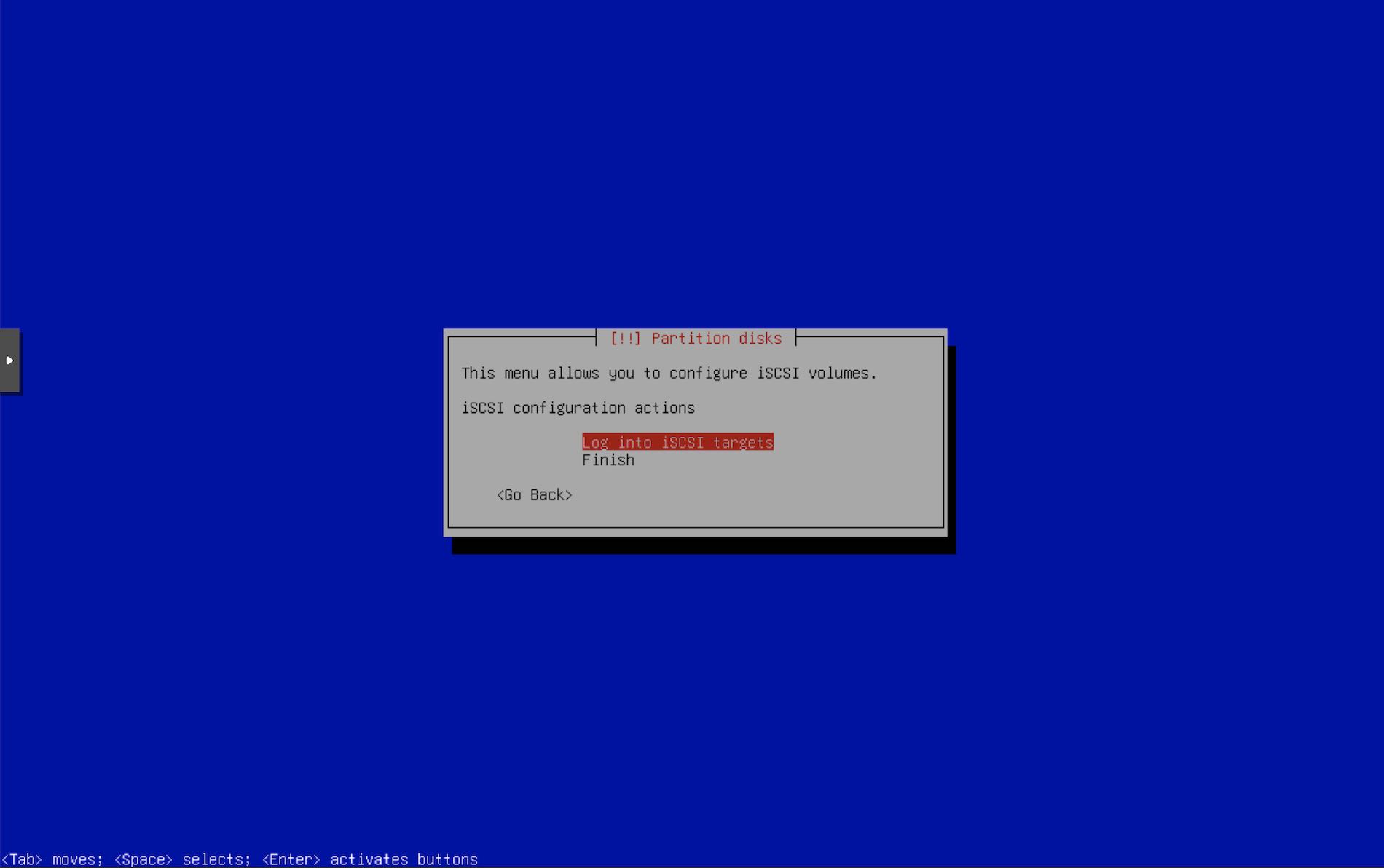
- Press Enter & edit
/etc/iscsi/initiatorname.iscsiwith the InitiatorName that we configured for the iSCSI ACLs usingtargetcli. For me it isInitiatorName=iqn.2026-05.xyz.716697.pve-vt:12700k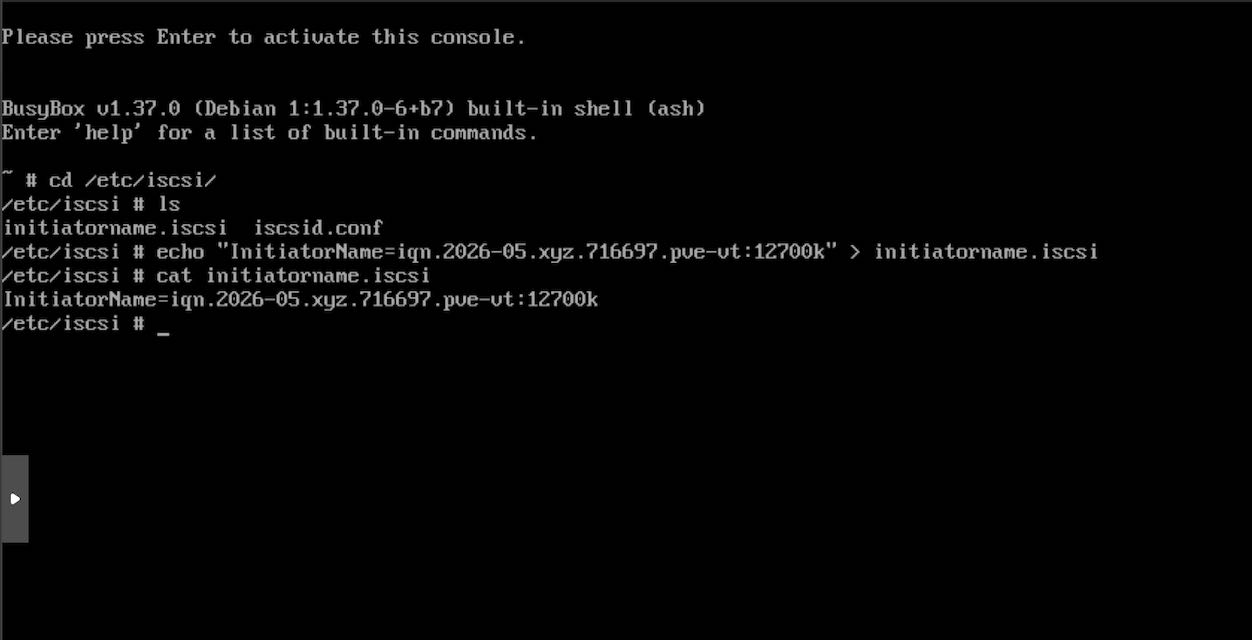
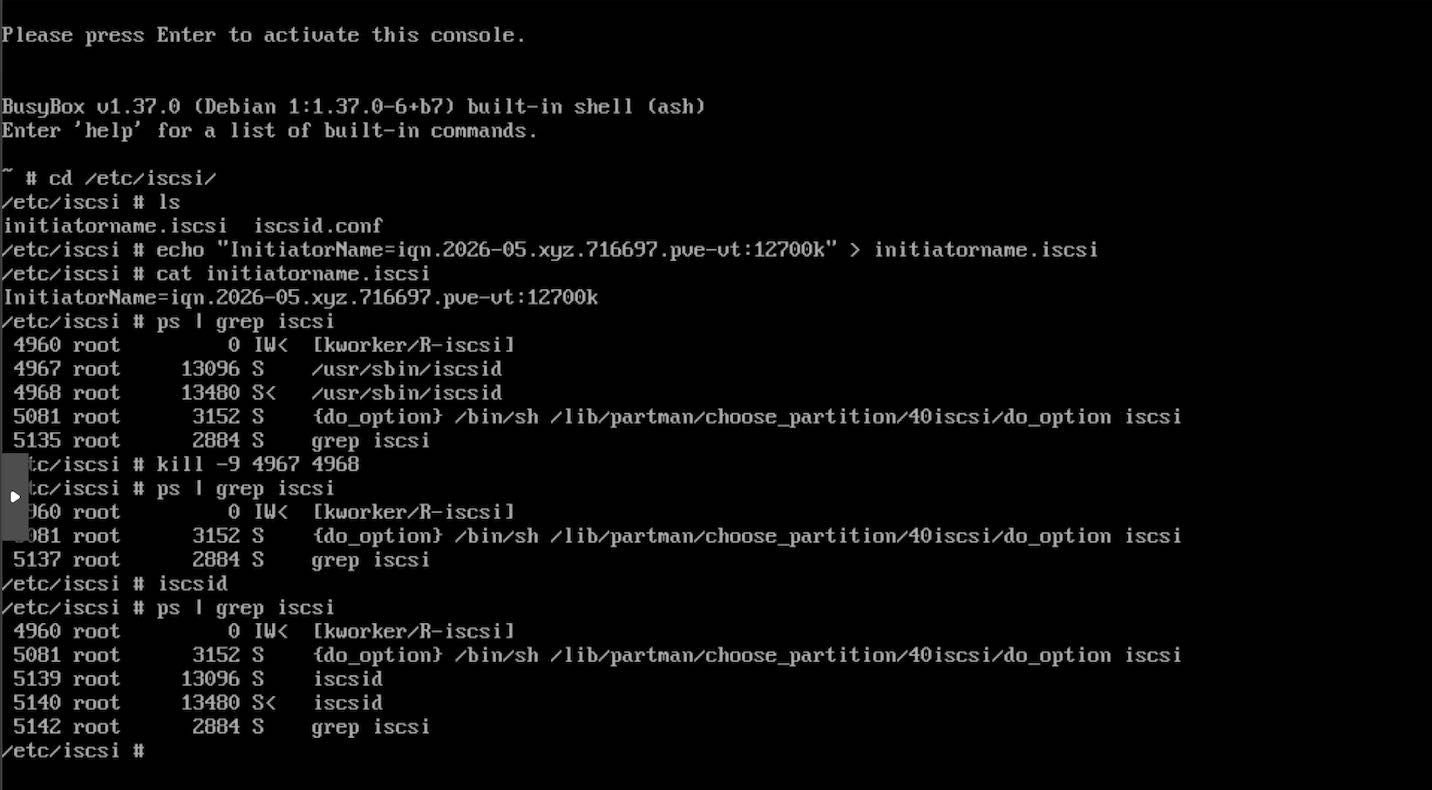
- For the installer to use the new initiator, kill the
iscsidprocesses. Restartiscsid, it will be started as a background daemon process by default. Confirm byps | grep iscsito see theiscsidprocesses running.
ps | grep iscsi
kill -9 ISCSI_PIDs
iscsid
- Press Super+F1 to get back to the installer tty.
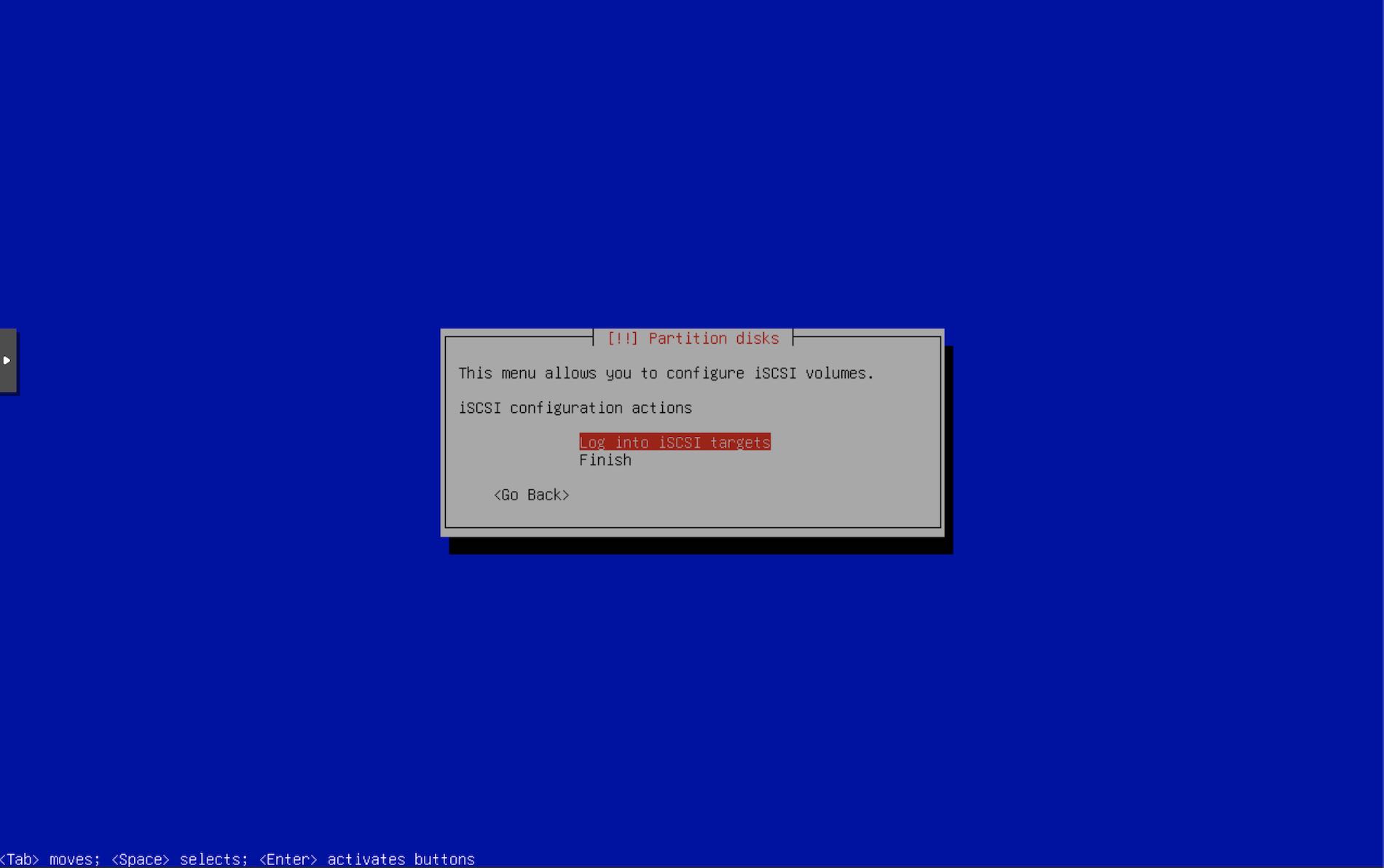
- Select the option to log into iSCSI targets.
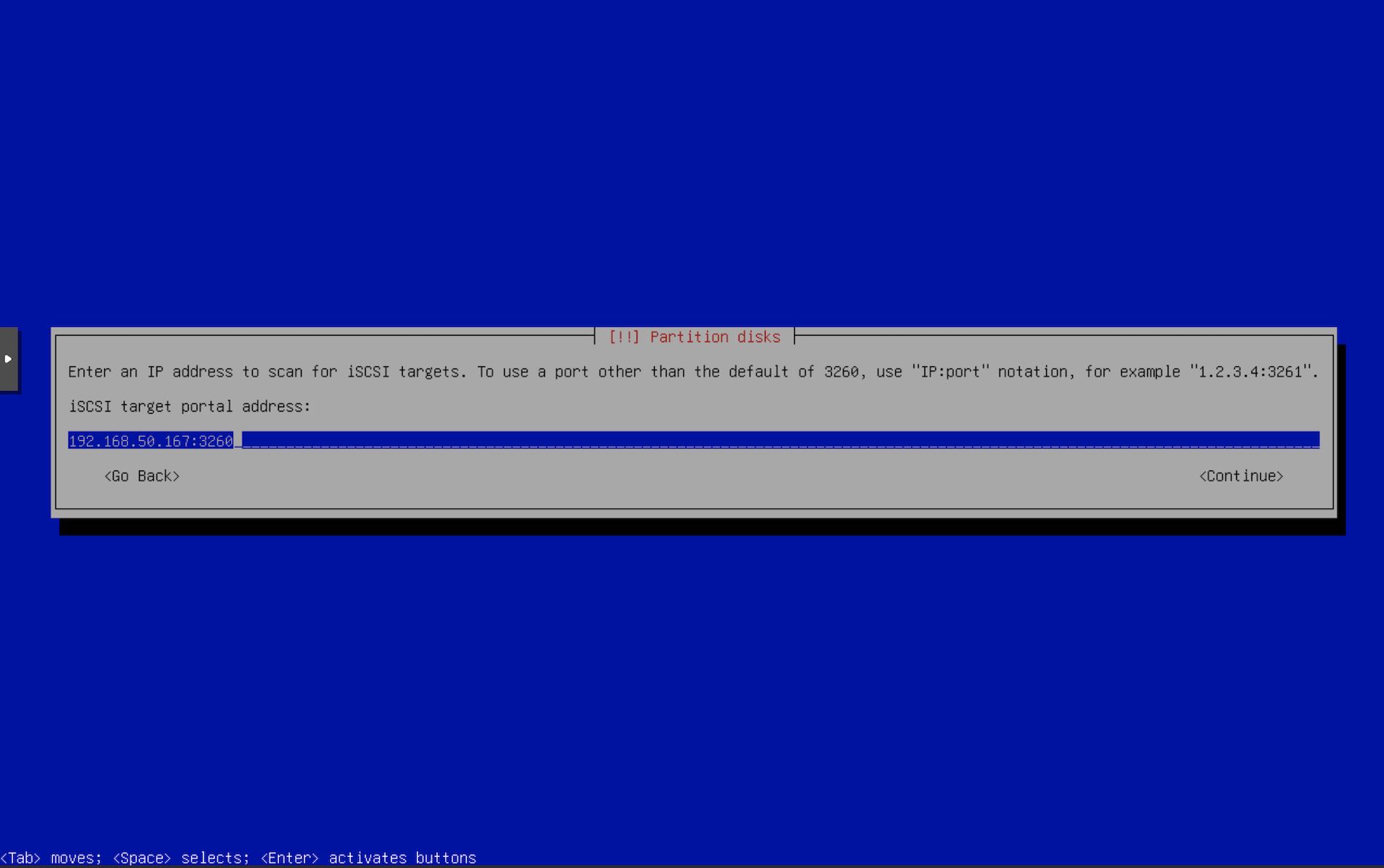
- Enter the iSCSI server i.e. the iSCSI portal address & port.
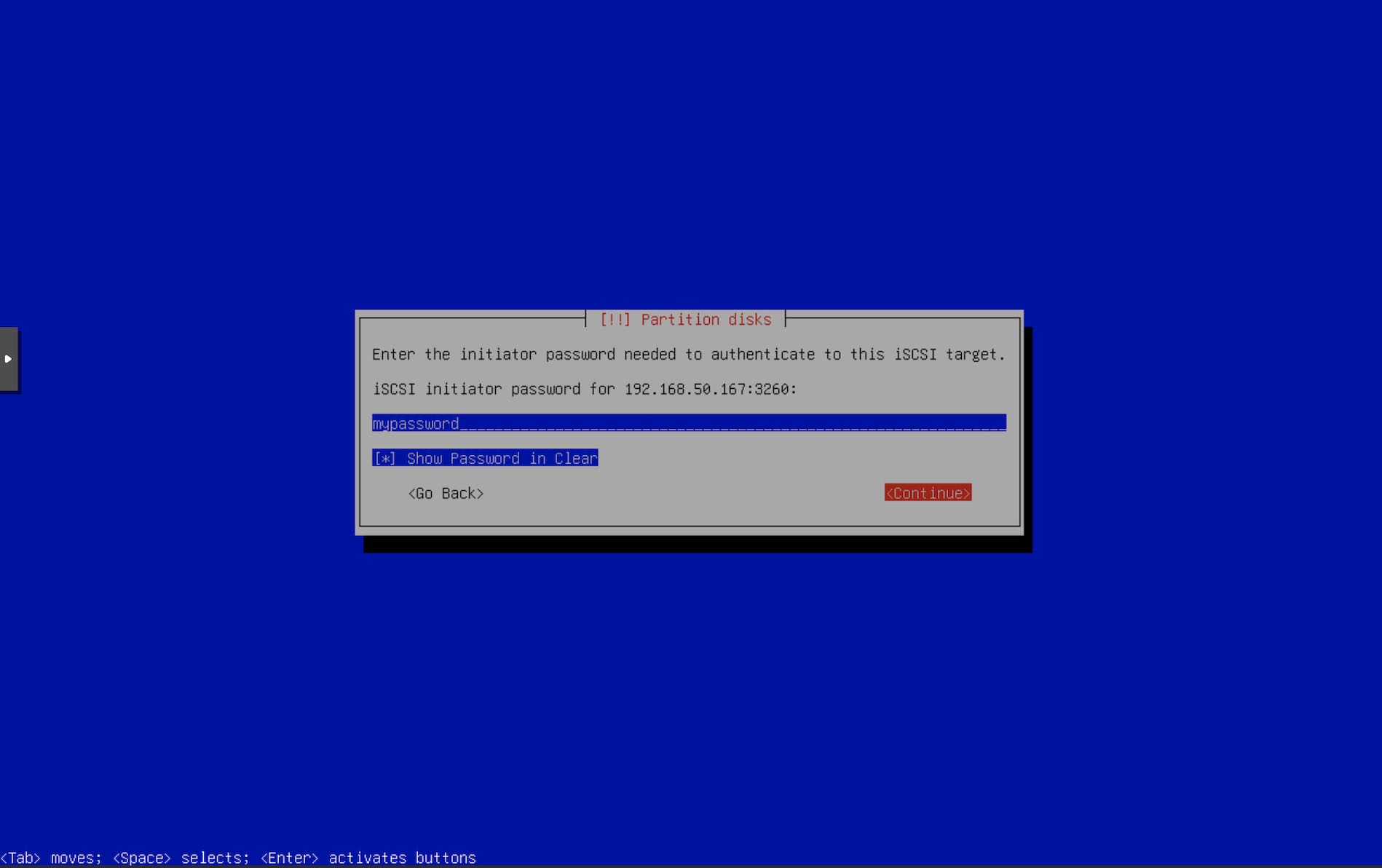
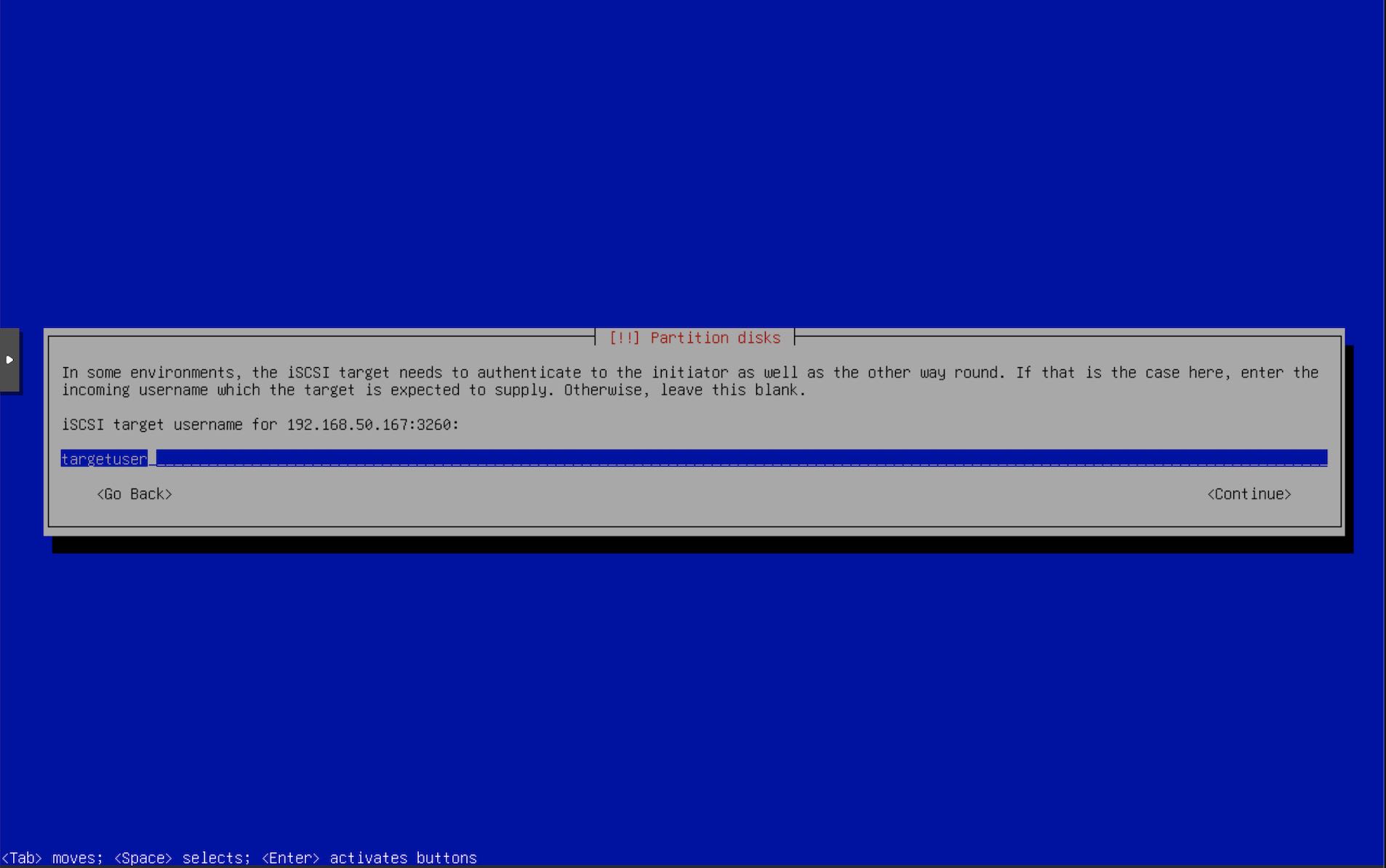
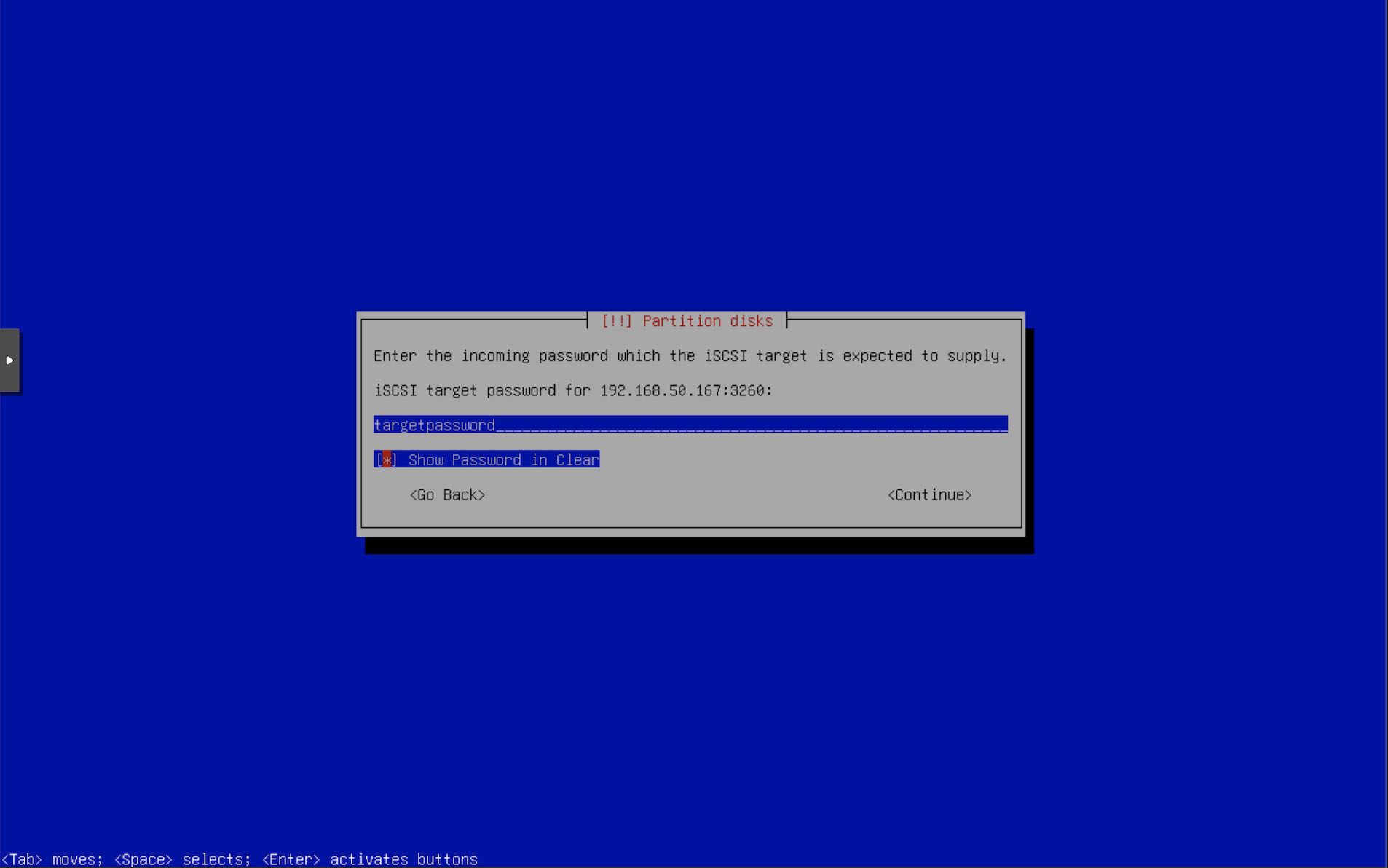
- Enter the iSCSI auth details that we configured using
targetcli. Enter Initiator username.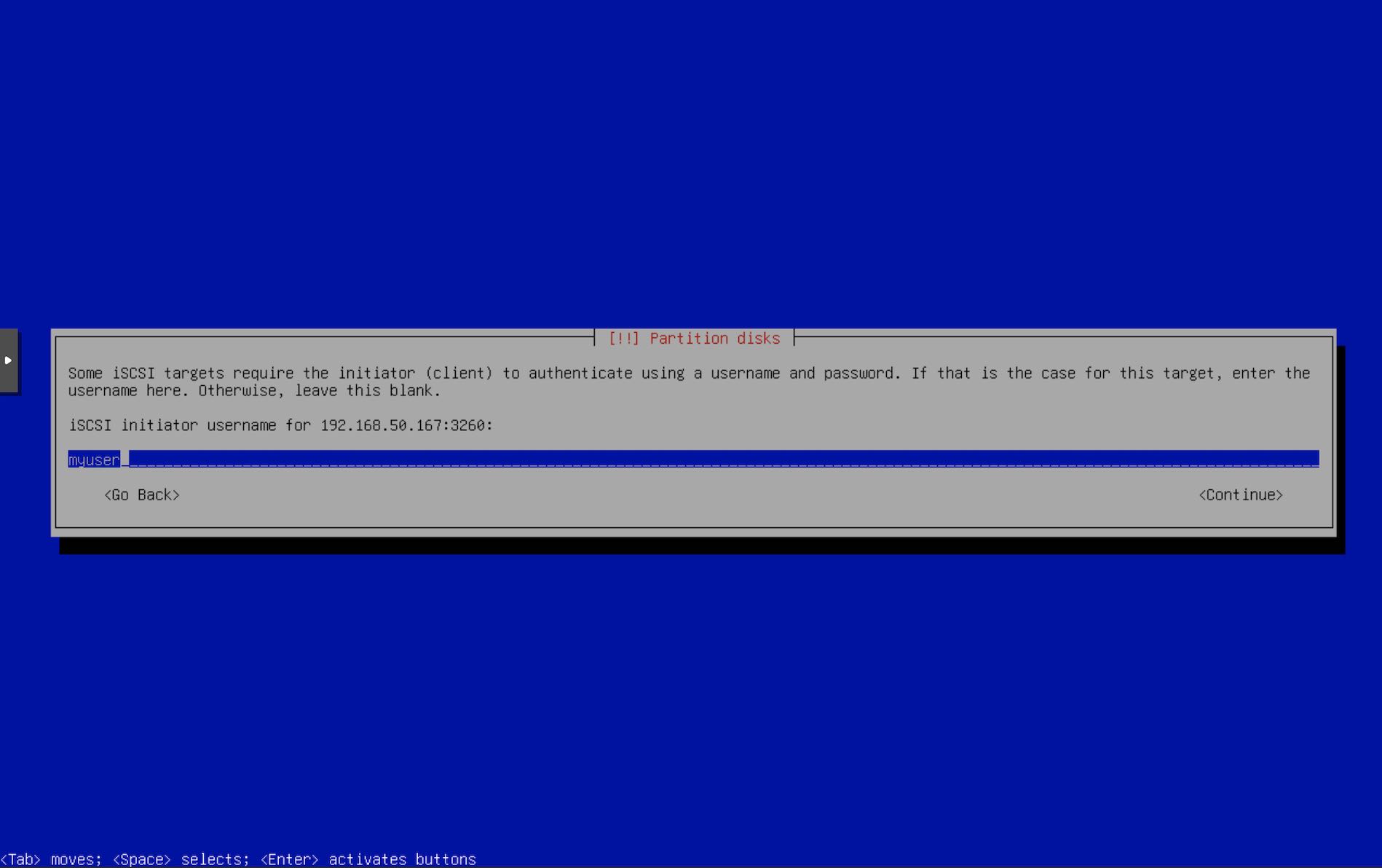
- Enter Initiator password.
- Enter Target username.
- Enter Target Password.
- If the installer is able to connect to the iSCSI portal, it will show the list of targets. Select our target. If you don’t see anything, try to recheck the iSCSI configuration on the server using
targetcli.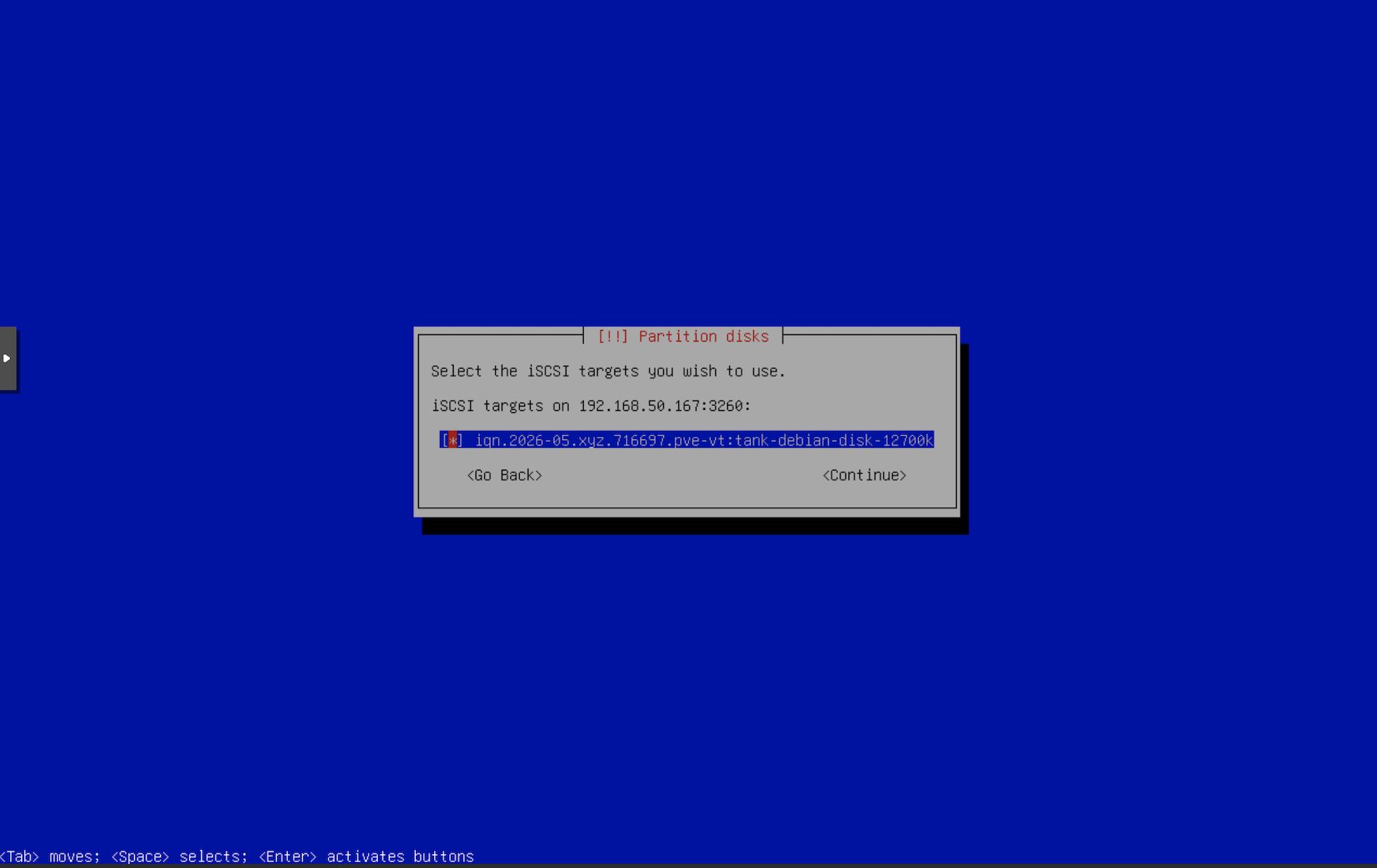
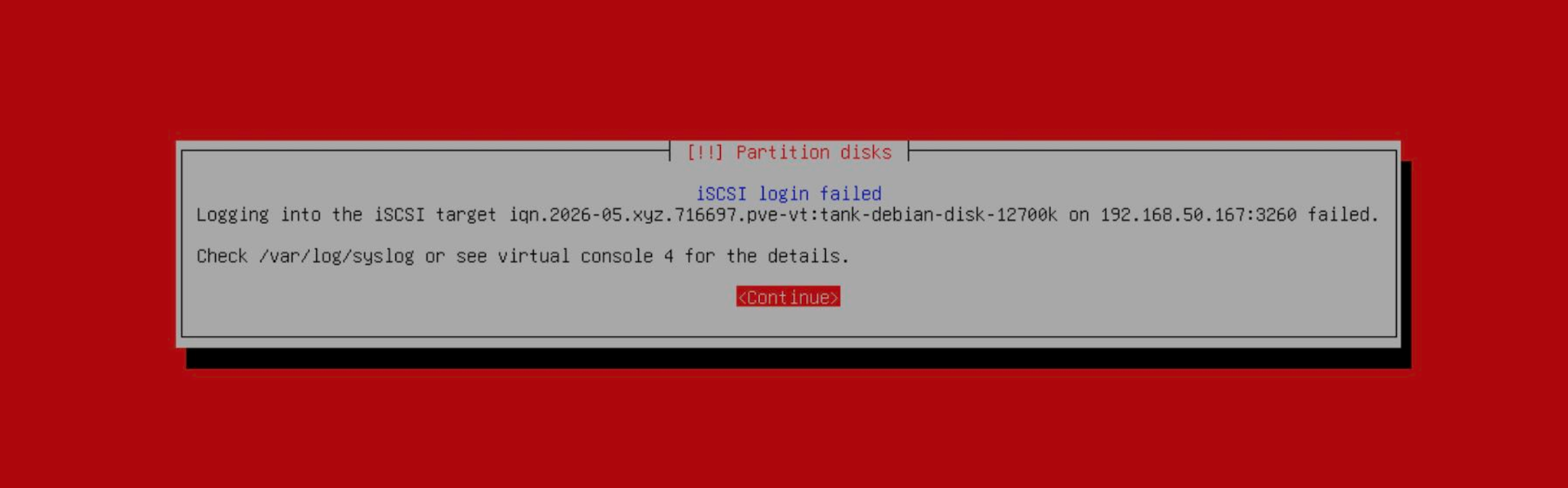
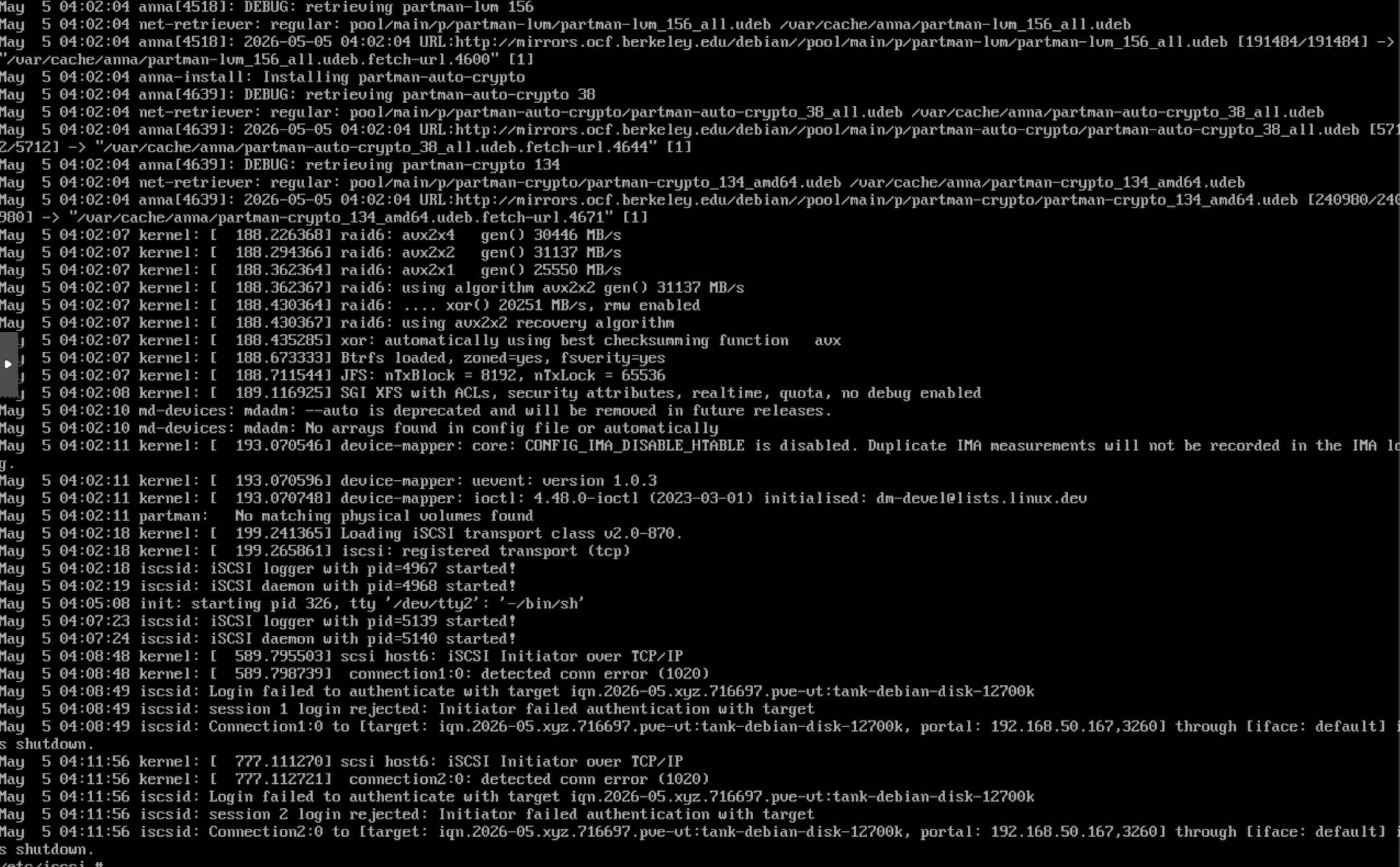
- After you select the target, iSCSI may fail due to various reasons. In such a case, switch to TTY 2 using Super+F2 and check
/var/log/syslog. In this example, it failed due to bad auth. Recheck the iSCSI configuration & reconfigure the targets. The installer will take you back to Step 17.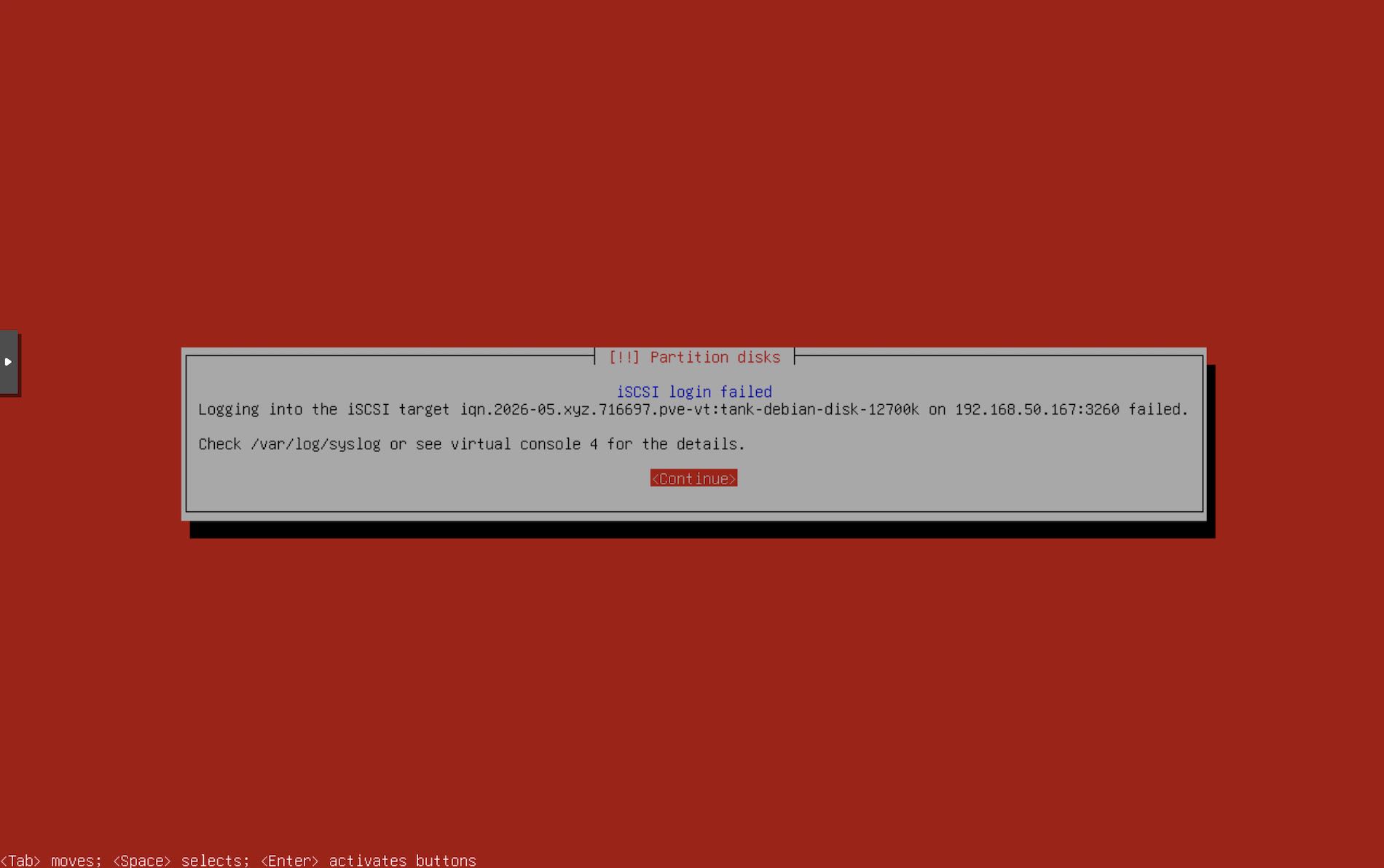
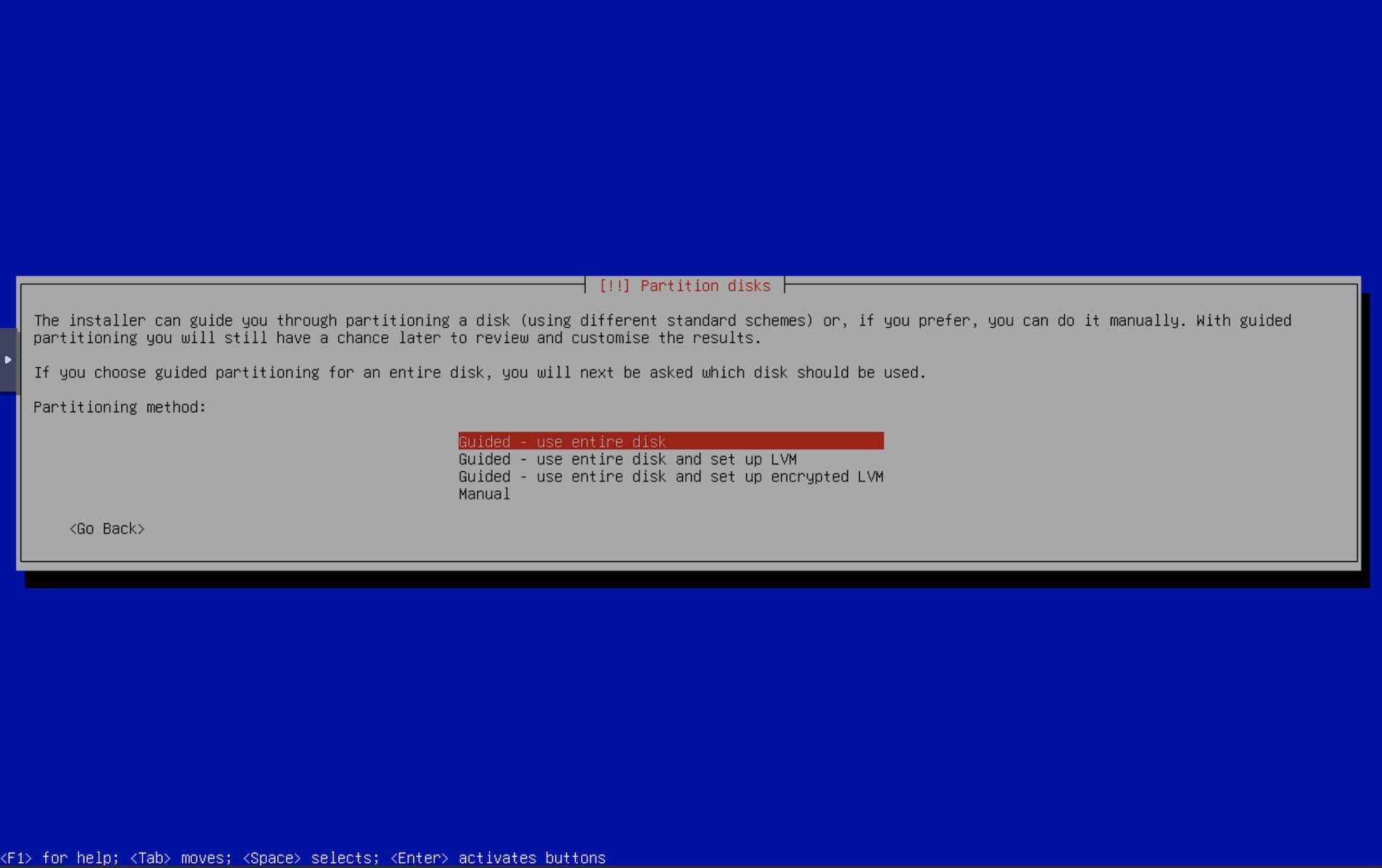
- If the installer was able to connect to the iSCSI target, the next screen is the partition. It is very important to pay attention to this section. Any misconfigurations here may screw up any existing OS or data you may have on your other disks. I will select “Guided - Use entire disk” as I want Debian to use up the entire ZVOL that we have created.
- Select the disks. In case you have multiple system disks, be very sure to select the right disk. The iSCSI disk will show up as
LIO-ORG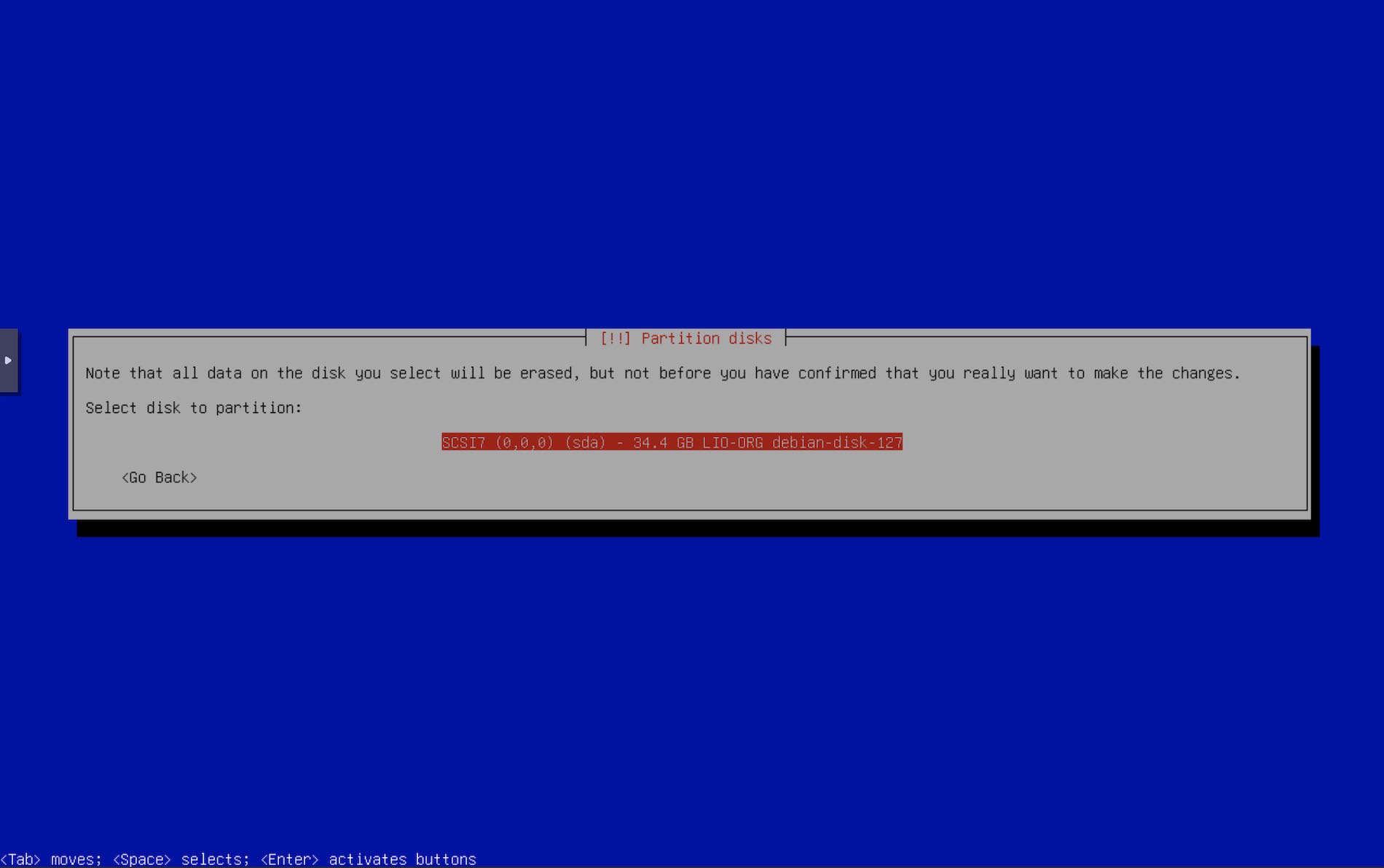
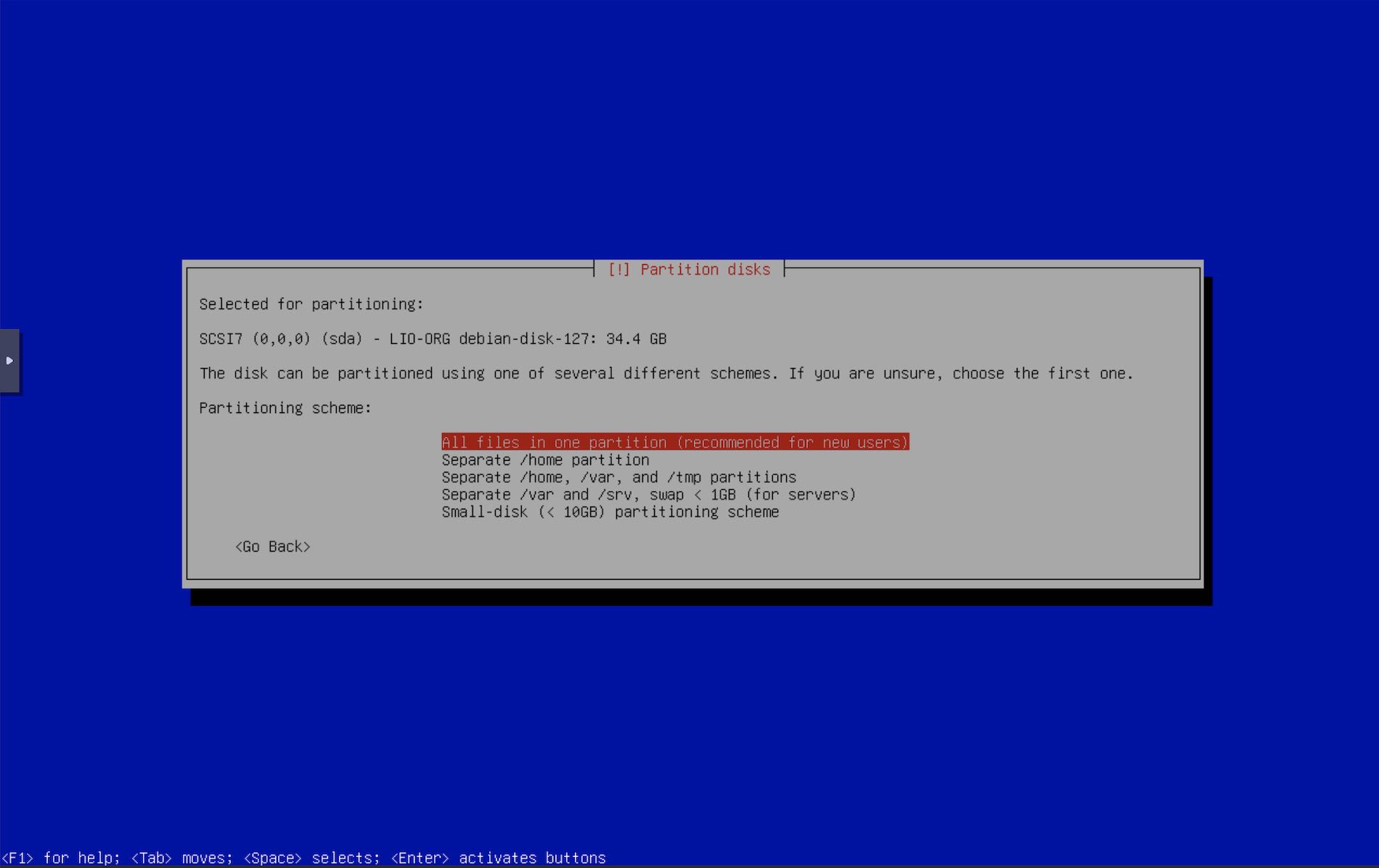
- Partition the disk as you see fit. I like the first option to keep things simple.
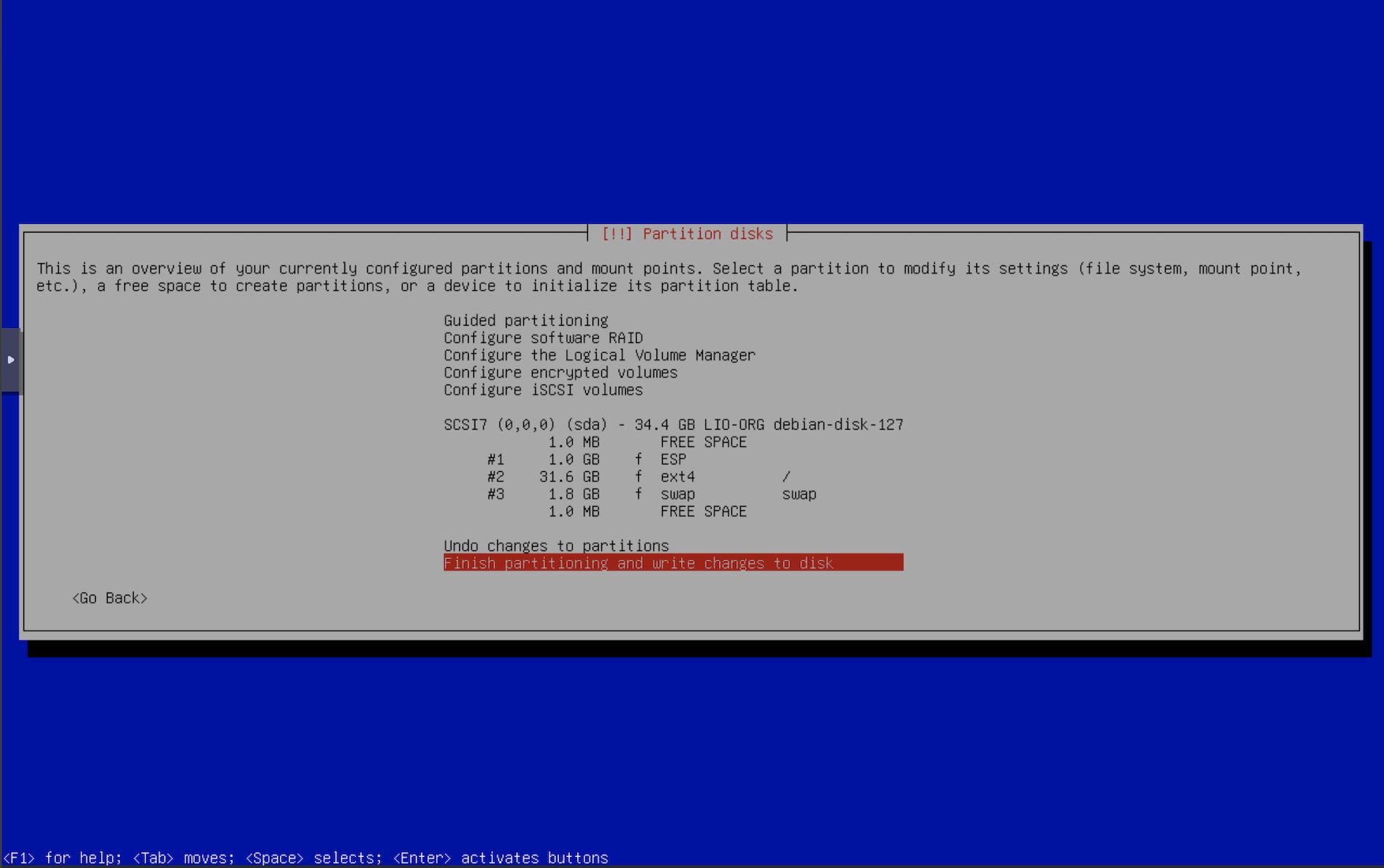
- Confirm the partition layout.
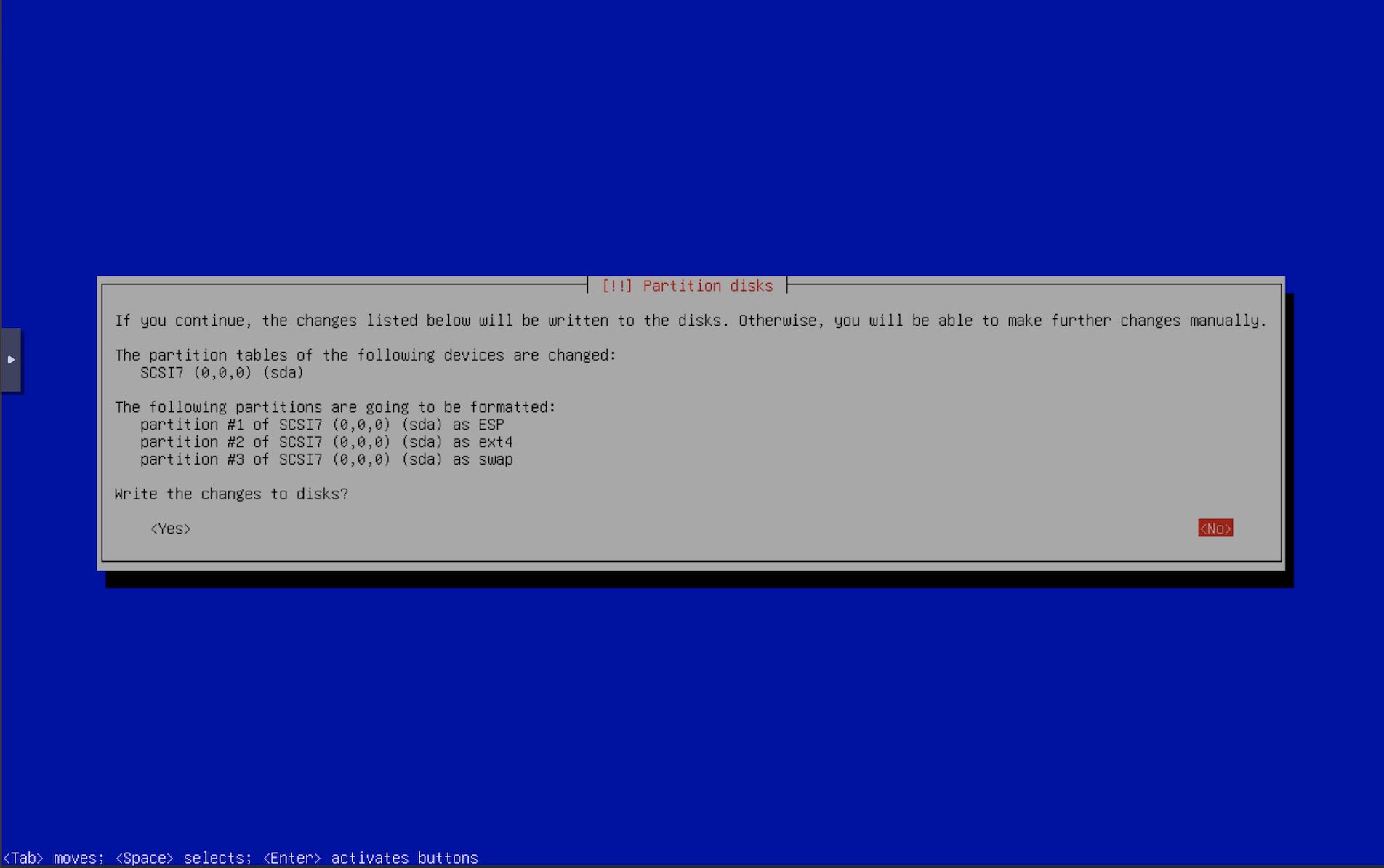
- Double confirm the partition layout.
- Now the installer will continue. Go get a cup of coffee. If anything goes wrong, you can restart the installer and select the iscsi disk again.
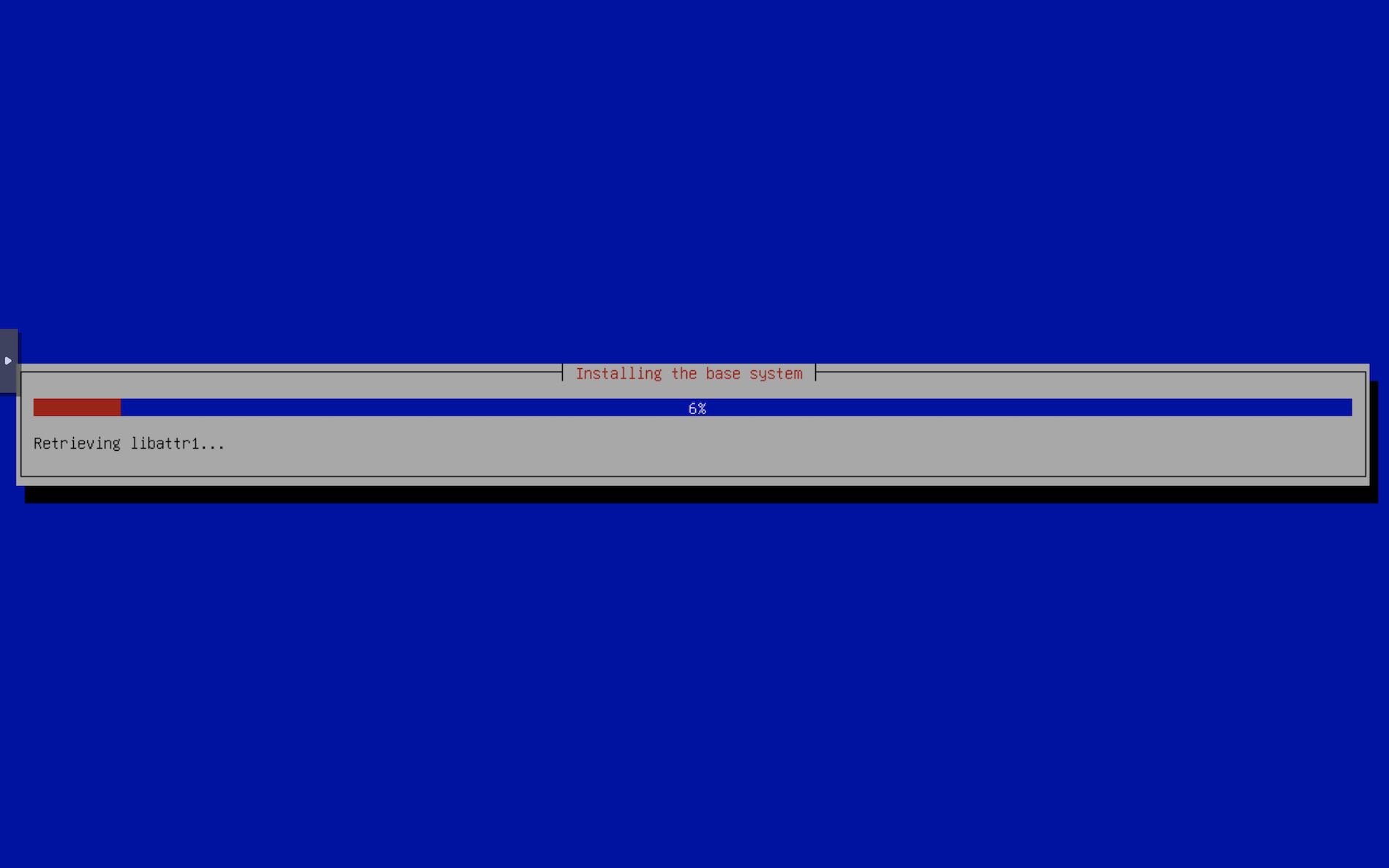
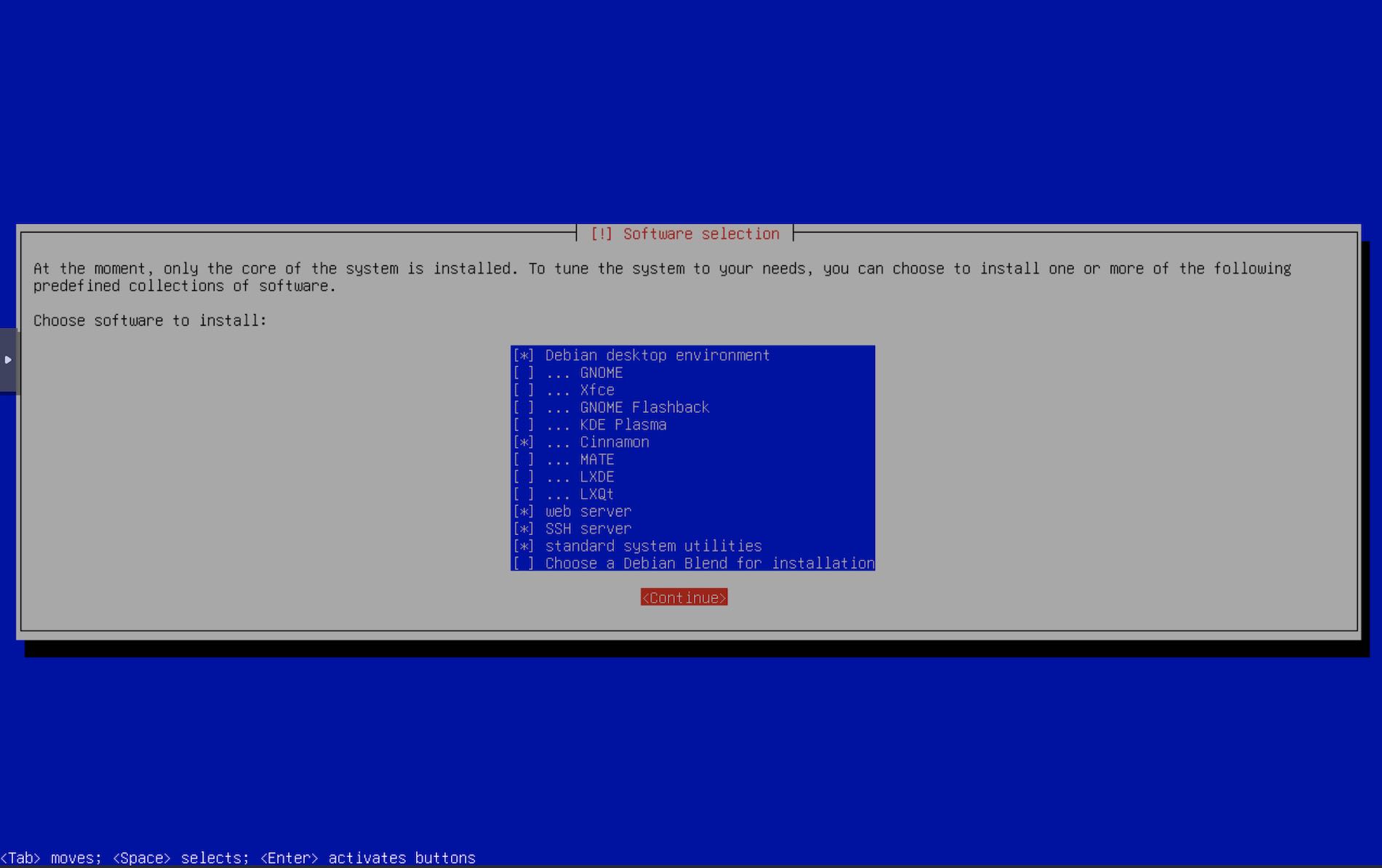
- Base system has been installed, select if you want more packages. I always like the web & ssh server option that Debian provides. Apache always comes handy sometime later.
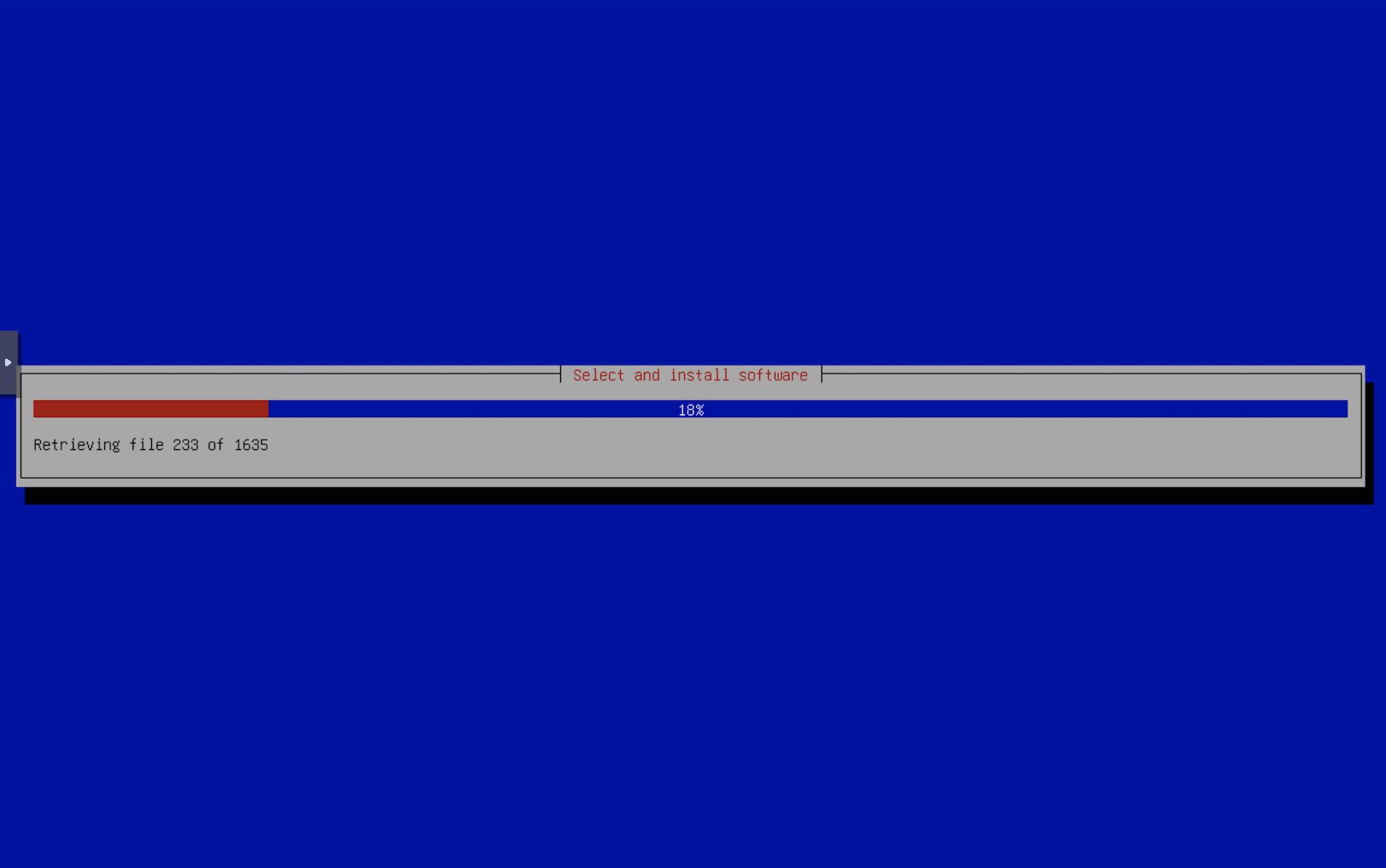
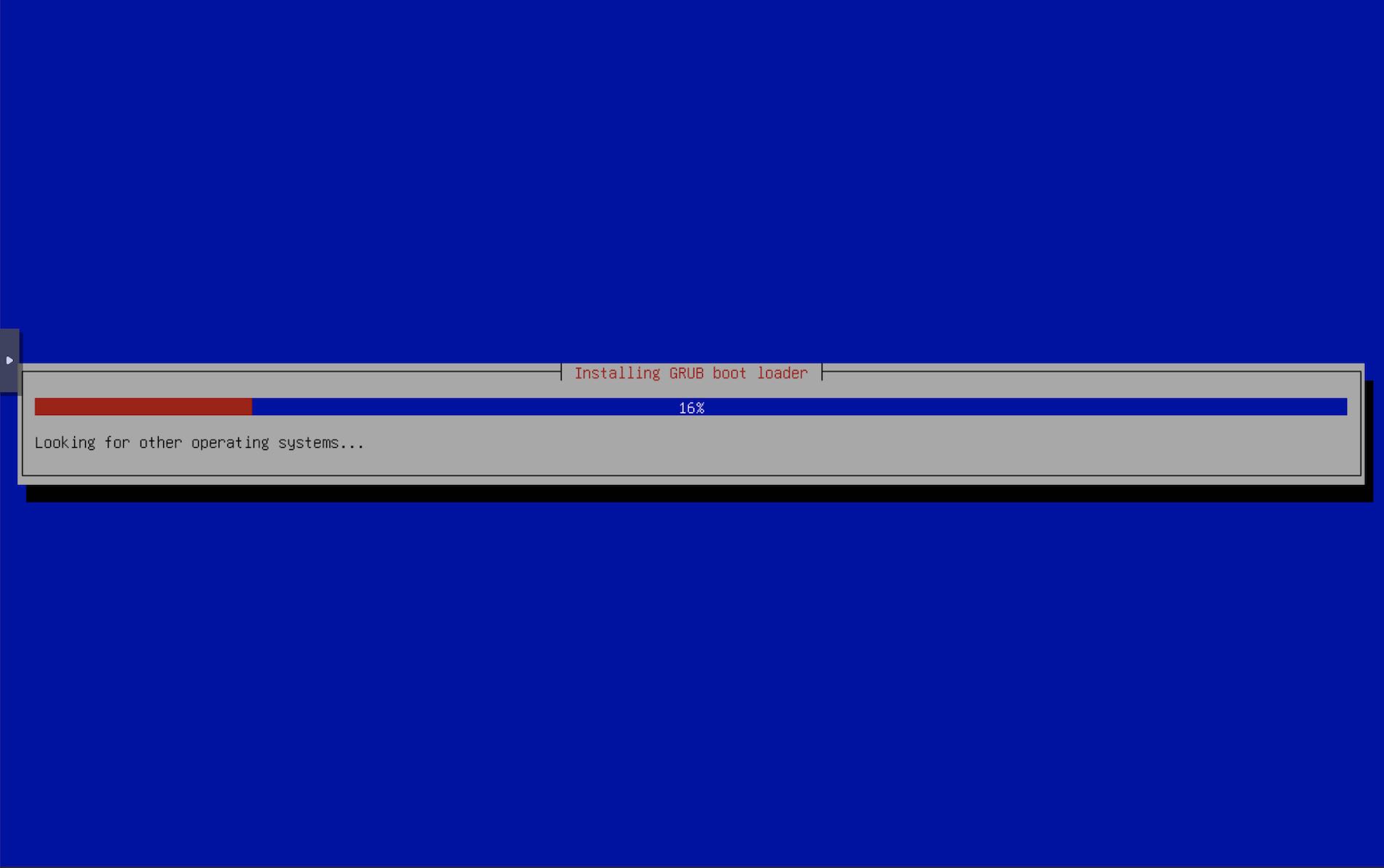
- Installer proceeds and eventually completes. Reboot when done.
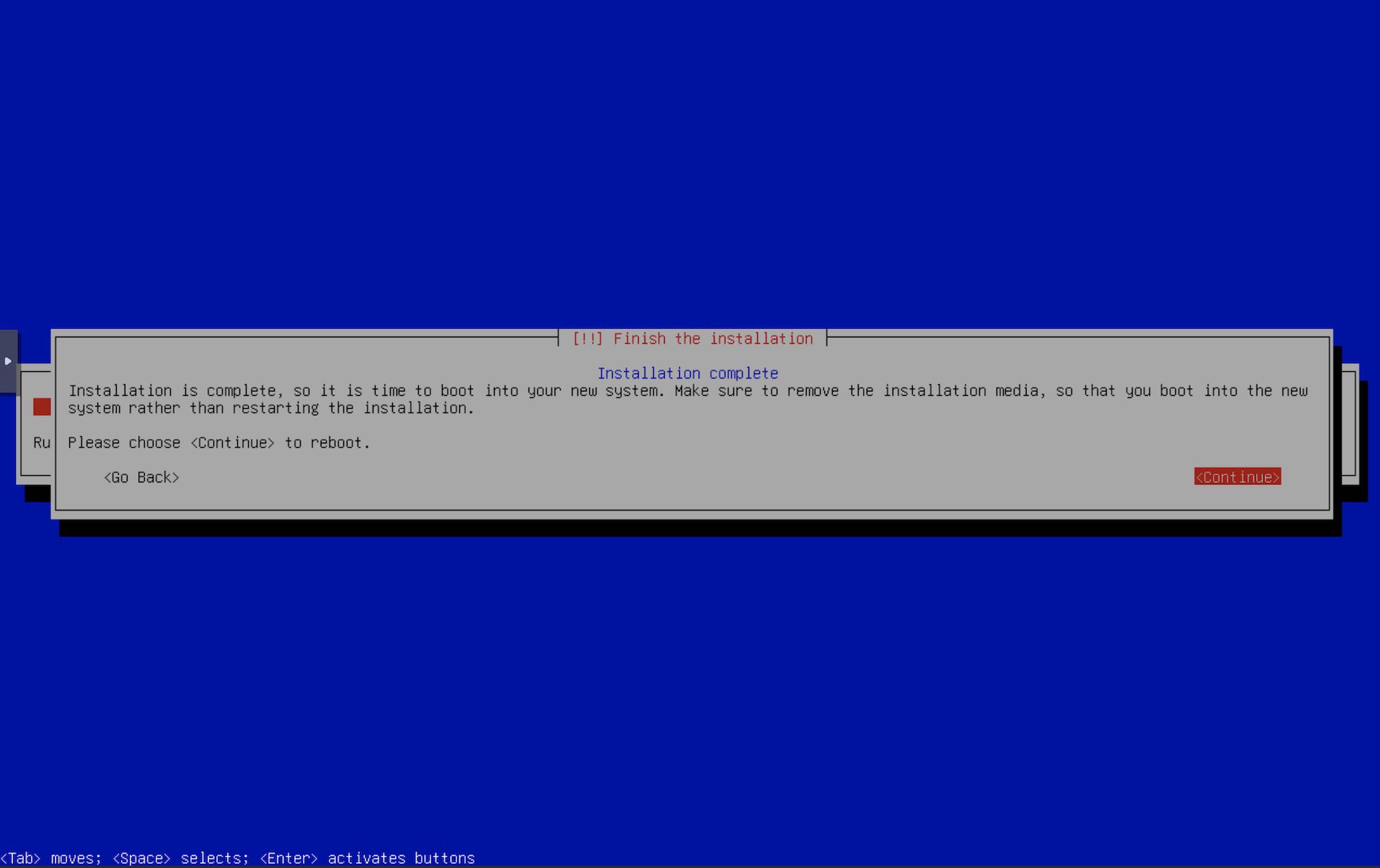
- On the next boot, select our Custom URL Menu in
Netboot.xyz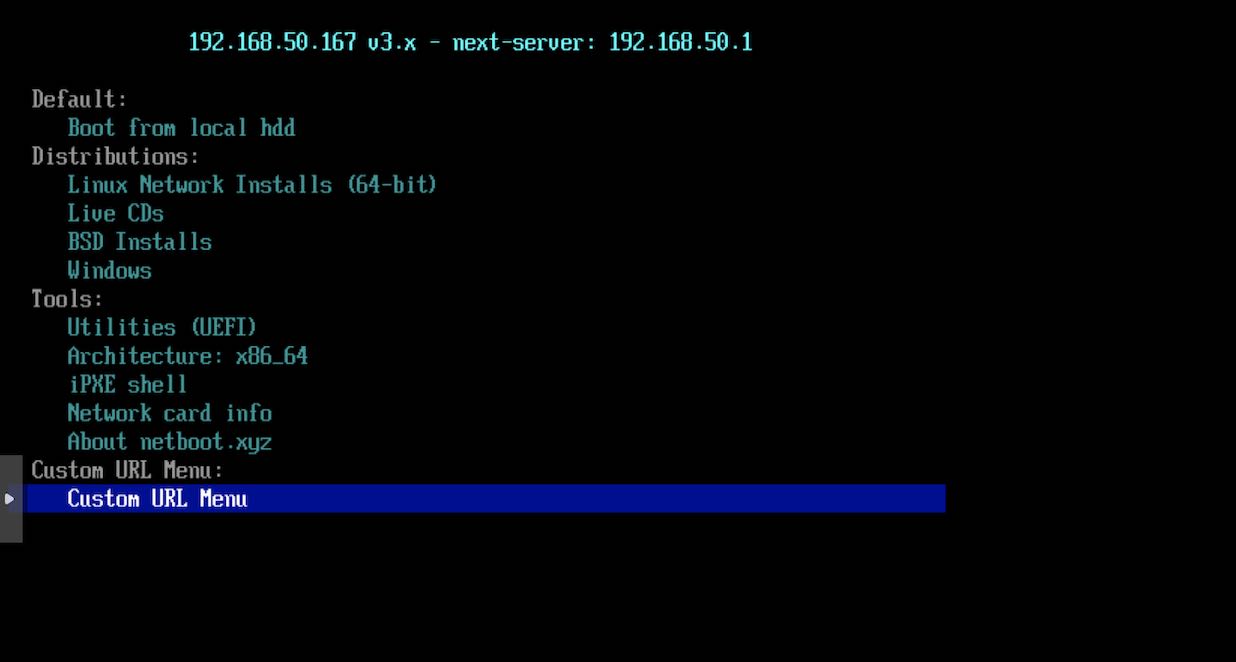
- Select Debian 13 as before. As stated before, to keep things simple & more configurable, or if you want to install debian on multiple machines, you can always have separate entries for the debian system & the debian installer.
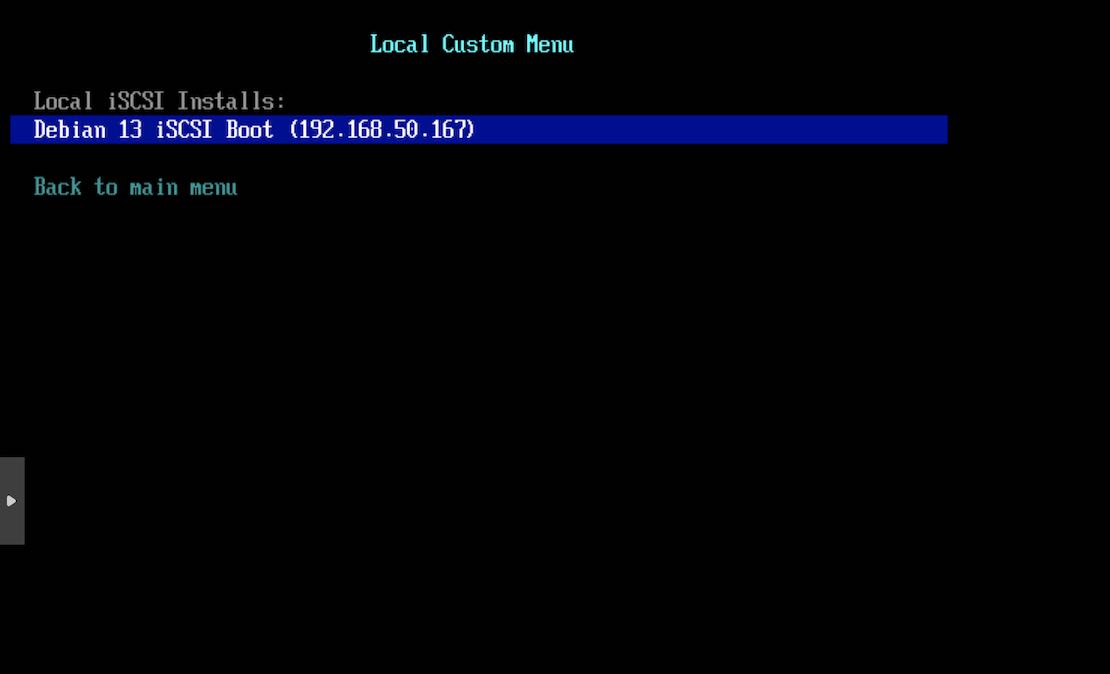
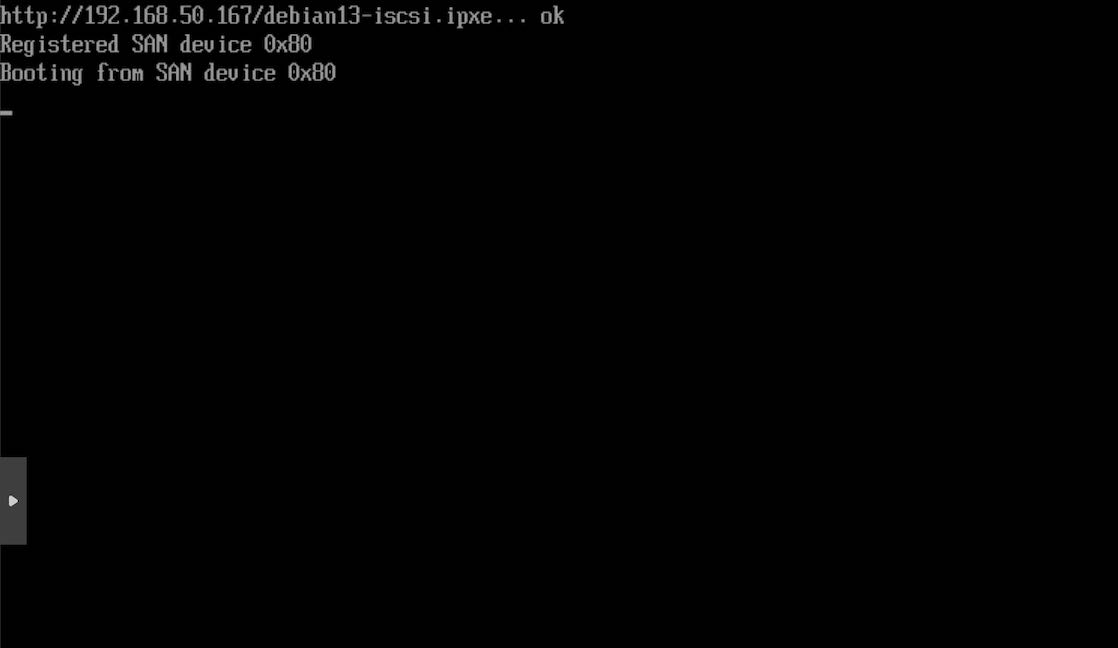
- The logs will now show Debian is being booted from the SAN device.
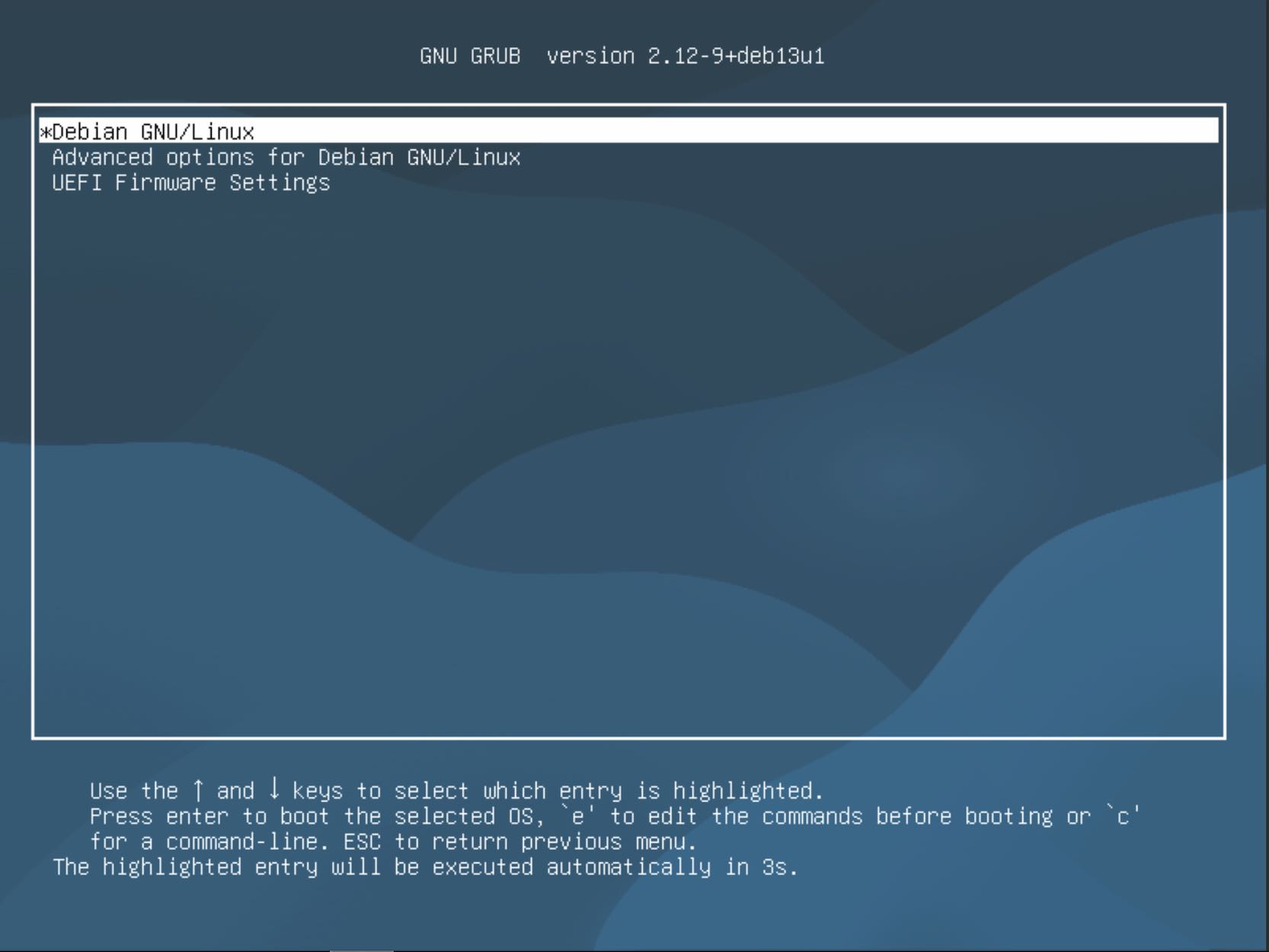
- Grub at last. Select Debian and press Enter.
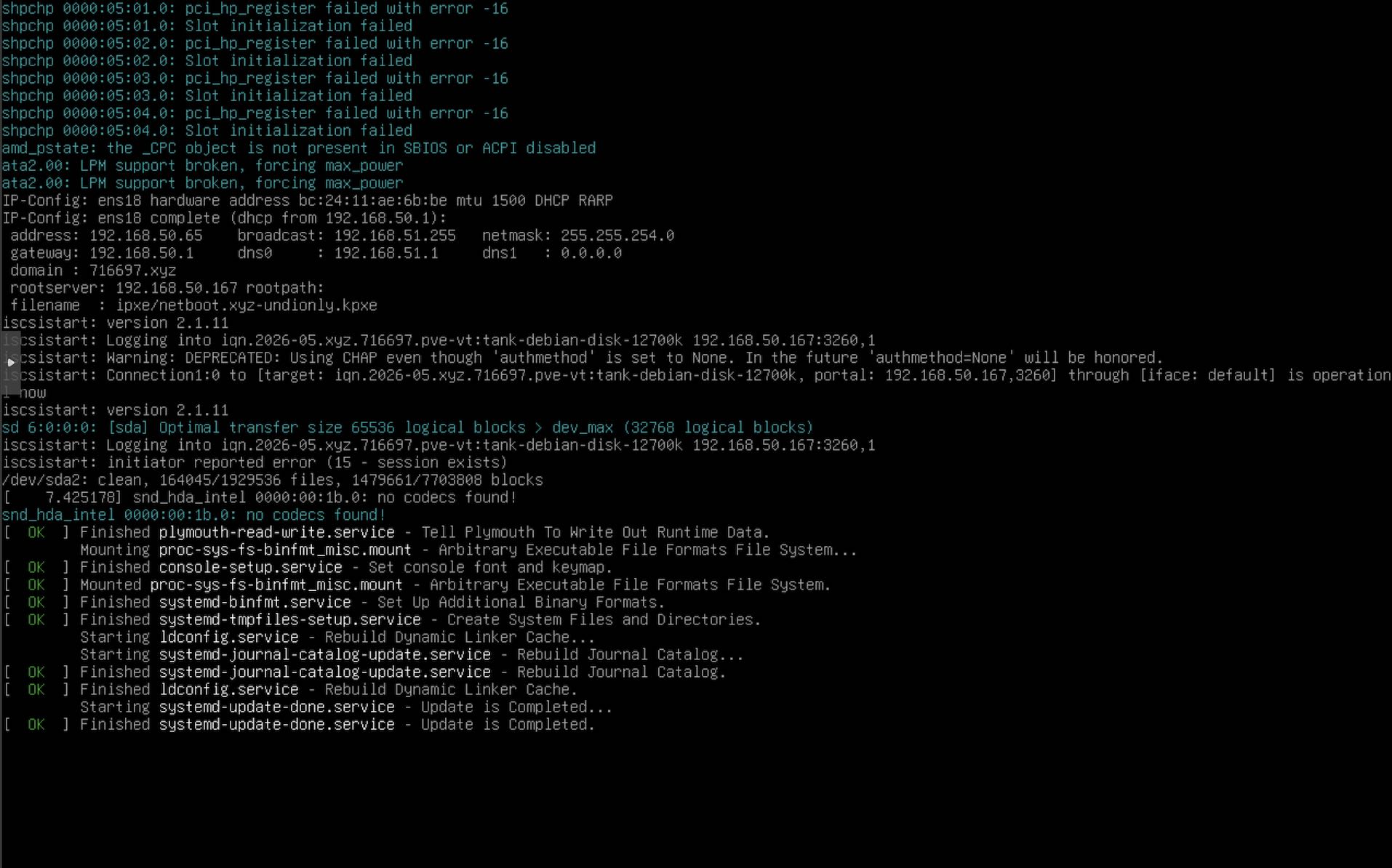
- Take a look at the logs to see if there are any iSCSI logs. Here it shows that the iSCSI connection is now operational and the bootup continues.
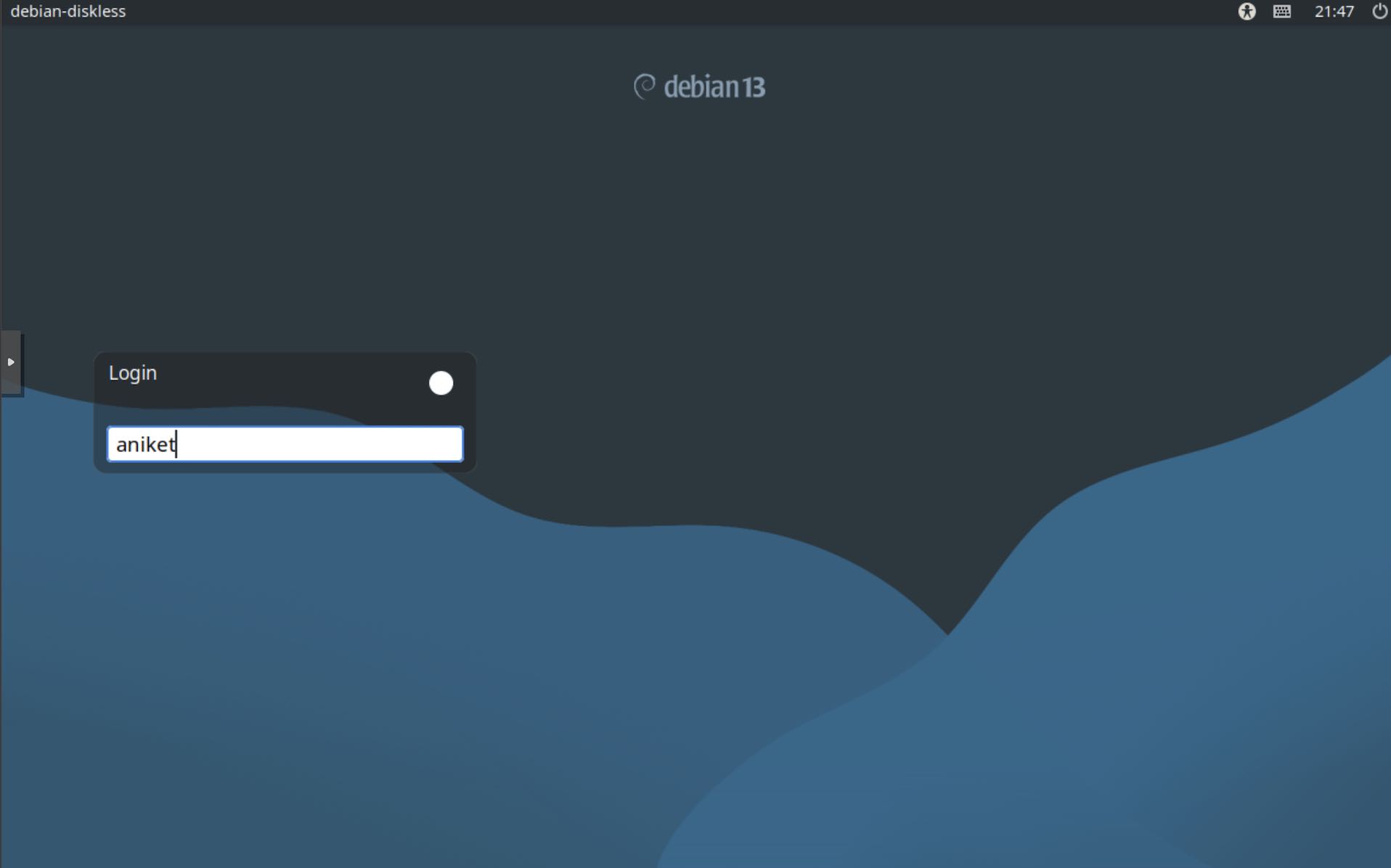
- Log into Debian and the boot up is complete.