See this comparison of the shortening and changing of the TrackPoint cap over time, and you can imagine how the current 3mm caps end up requiring more finger pressure than the 6mm soft rim cap, to get pressure to register:
https://saoto28.wixsite.com/trackpoint4life/comparison
I own a very nice ThinkPad P1, but my daily driver is currently a ThinkPad W520 battleship from 2012, entirely because its TrackPoint is more comfortable to use. (I acclimated to the P1's chiclet keyboard easily, but the slippery TrackPoint cap was definitely harder on my finger and hand.)
On the W520, I can type prolifically, all day and evening, 7 days a week, without discomfort. I don't want to break the TrackPoint soft rim magic that helps make that possible.
2. If someone in the US wants to try to make good soft rim 3mm caps that will fit modern ThinkPads, and save Lenovo from losing TrackPoint adherents, here is a starting point that Saoto kindly shared:
https://grabcad.com/library/softrim-trackpoint-cap-for-3-mm-...
If you can do soft rim with high-quality molding (not 3D printing, and determine the right materials and processes, and red top), some people are so desperate that they're paying $50+ for a single tiny 3D-printed cap to be mailed from Japan. If I was confident that high-quality caps gave a W520-like experience, I'd gladly pay $100 for 10 of them, just to start with.
I don't get benefit of having a trackpoint detached from the keyboard.
What's the advantage over having a mouse or a trackball?
I’ve never heard these terms before. What is a pointing stick on a computer?
Checkout Tex Shinobi or Shura if you like Keyboards with Trackpoint.
Keychron and System76 are also on the QMK train with their recent keyboards too. (I'm not 100%, would love to know if each of these can be flashed by users.)
Framework is also on the QMK open-source firmware train, for their keyboard + trackpad combo. Also not a new trend for them: their newer laptops I believe all run Zephyr OS for the embedded controller (EC), & are themselves open source too. Before that, the open-source Chromebook EC. I believe it's possible to compile - flash your own. https://frame.work/blog/previewing-the-framework-wireless-to... https://github.com/FrameworkComputer/EmbeddedController/tree...
These companies are both loved, in ways very very few companies are. It's obvious why.
i'd rather there be an option to just buy the board from you for a few bucks less and get some STLs for the needed prints if you're offering prints like that.
also integrate push-to-talk for voice inputs.
use case is to use it while standing up and moving about -- with a large display screen at a distance. Or my specific interest -- work for extended time on a treadmill.
Kanata has mouse emulation so you can drive a mouse using arrow keys: https://github.com/jtroo/kanata/blob/main/docs/config.adoc#m...
HEU N
DIN U
^ M
<⌄> 0.,E
With all full-sized keys? i.e. Numpad, arrows and home-end-insert-delete-pgup-pgdn? i.e. all the keys that Apple's laptops fucked plus numpad.NGL I was always a fan of TrackPoints for how compact the pointing device was. Also liked the Logitech Trackman Marble for similar reasons. It's kind of cool, though unnecessary, to have a way to get a TrackPoint on a desktop now without being locked to one discontinued Lenovo keyboard.
Any variation of trackpoint where you have to move your hand away from the keyboard, is a failure IMHO
It was however stuck in customs for quite a while, but I guess that's what I get for ordering custom electronics from Israel right after those pagers blew up.
Not sure how long you're a startup...
So, hold down the scroll lock button and the thumbstick becomes a scroller. That leaves three buttons for left, middle and right.
As a sidenote, I love my UHK. Just a joy to use, and it's so easy to customize. I don't have any experience with competitors like the ZSA Voyager, but the UHK's configuration software and macro language do make it quite pleasant to bend to your will. For instance, I do some funky stuff with macros and lighting here: https://www.cgl.sh/blog/posts/wnl.html
( then i jumped onto otholinear keeb and now I’m not even bothered by apple anymore and run omarchy on a second hand thinkpad. Same excitement as when i got my first powerbook in the early 2000s…)
I can highly recommend the Azeron Cyro [1] (cannot comment on their other products, but they look interesting). It is partly 3D printed, but also repairable and mod-able. It is the only vertical mouse I am aware of, with a modest amount of keys (15 + scroll wheel + analog thumbstick). I say keys since, well, in software they're recognized as such. You can also make it a Bluetooth mouse (I use USB2BT+), though obviously you suffer a bit from latency.
But, just wanted to share that I was similarly surprised to land on mouse keys as a preference. I tried most of the UHK modules which were also pretty good and have since tried various other trackballs and pads, but since trying UHK mouse keys, they're what I keep coming back to most, even since switching to new keyboards.
One issue I have with mouse keys is fear of using them in front of others though: every so often, if I need to click something particularly small and don't have a keyboard shortcut memorised (vscode panel resizing is one) it can sometimes take me a fair few embarrassing seconds drawing small squares around my target before I resort to actual mouse hardware.
For the amount of time and thought and effort people have put into alternative mice, I feel mouse keys are massively overlooked and probably have a lot of room for software/firmware innovation without hardware costs.
https://www.amazon.com.au/dp/B0B1CWJCS5
https://www.aliexpress.com/item/1005009224555917.html
For just the navigation cluster, I found this but it's a kit: https://keyhive.xyz/shop/navi10
Still waiting for Framework to introduce a keyboard with a trackpoint included, but apparently the room allocated for the keyboard is too thin for it to be possible.
"scroll button is also usually the middle button" -- these functions are completely separable in libinput.
I felt most of the extra functionality and polish that I guess makes up the massive costs of UHK and ZSA wasn't actually necessary. It was cool and fun and useful to try a bunch of different stuff, but then over time, I wanted things to be simple and small which UHK and ZSA Moonlander aren't (ZSA voyager wasn't at the time).
All I'm saying is if you've got comfortable with a cheap Corne, I think you might feel underwhelmed if you spend a lot on something a lot fancier.
For original trackpoints, it's basically a stick in the middle of an up/down/left/right resistive strain gauge.
For the ploopy beans here, they use hall effect sensors instead of resistive strain to get a bit more movement.
As soon as you have non-binary up/down/left/right values, the mouse direction and speed can be interpolated to so many values that mousekey accidental squares become impossible.
https://keychron.co.jp/pages/nape-pro
Anyone wanting one that could fit anywhere on any side of a keyboard could be interested.
Probably my lack of imagination, the article is about desk setup, and while you can move a trackball with basically anything that has friction, a trackpoint is a lot smaller and finicky. A joystick could be a better version if we're thinking adaptive input.
Now I'm wondering if putting a bean on the knob would be taking it too far.
$69.99 CAD
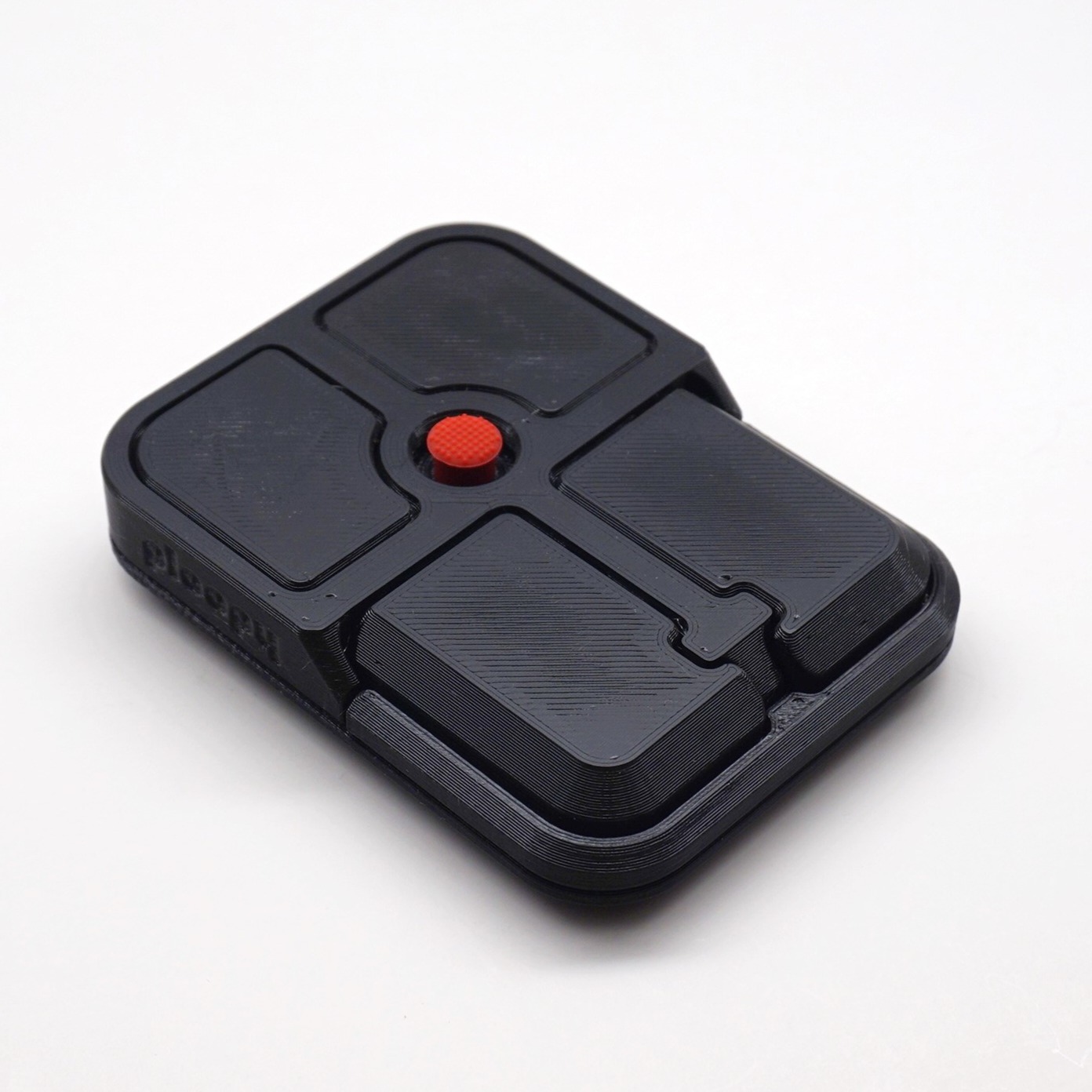
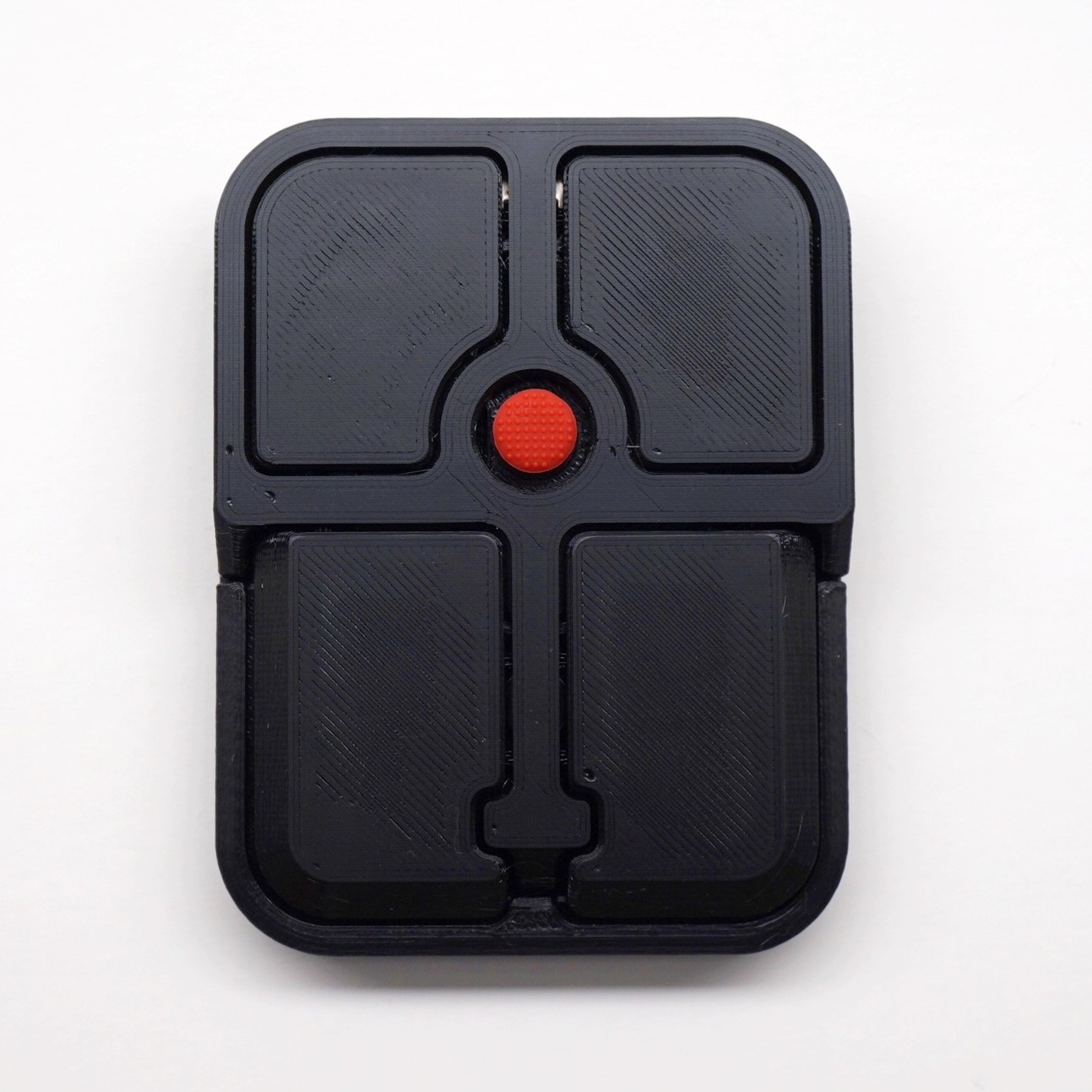
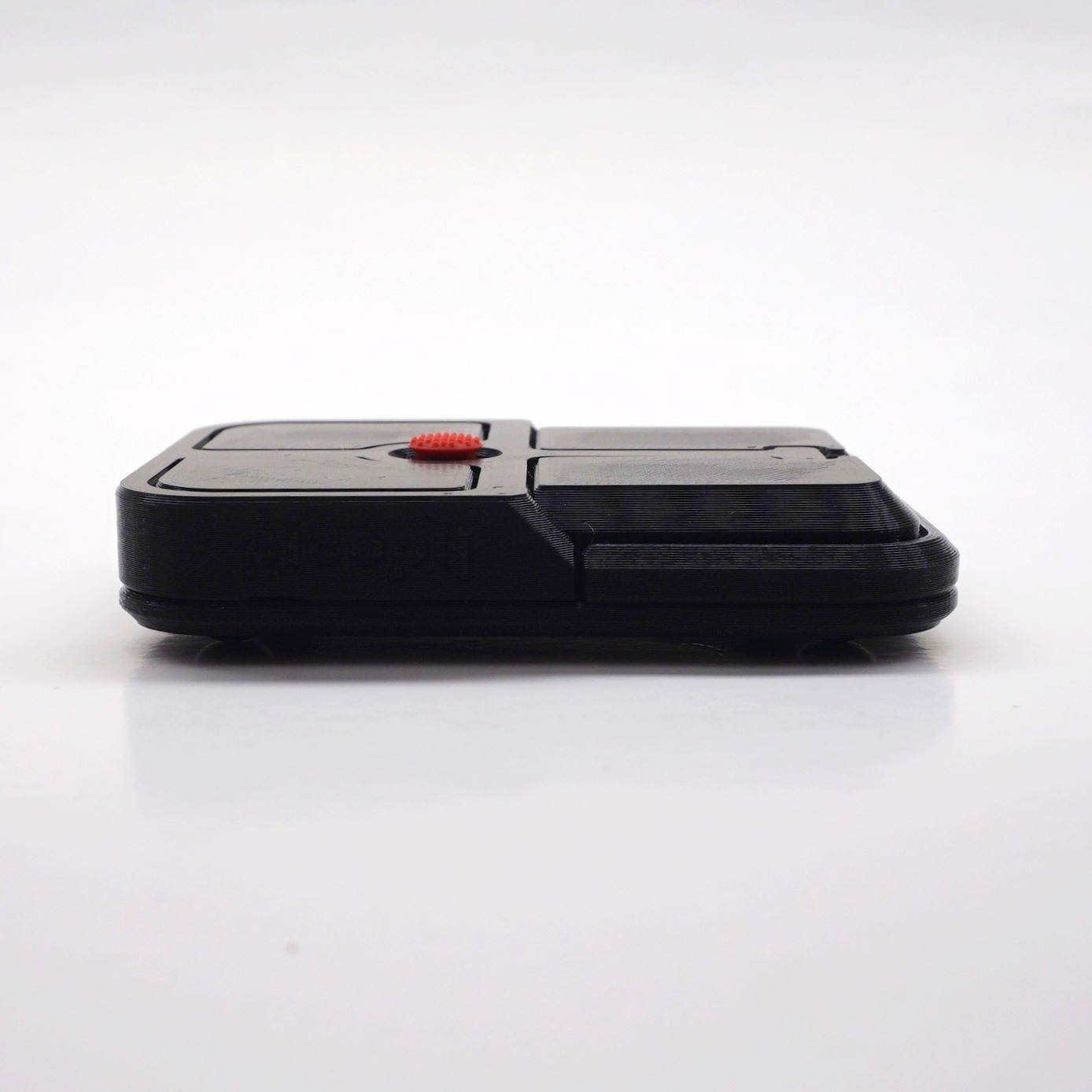
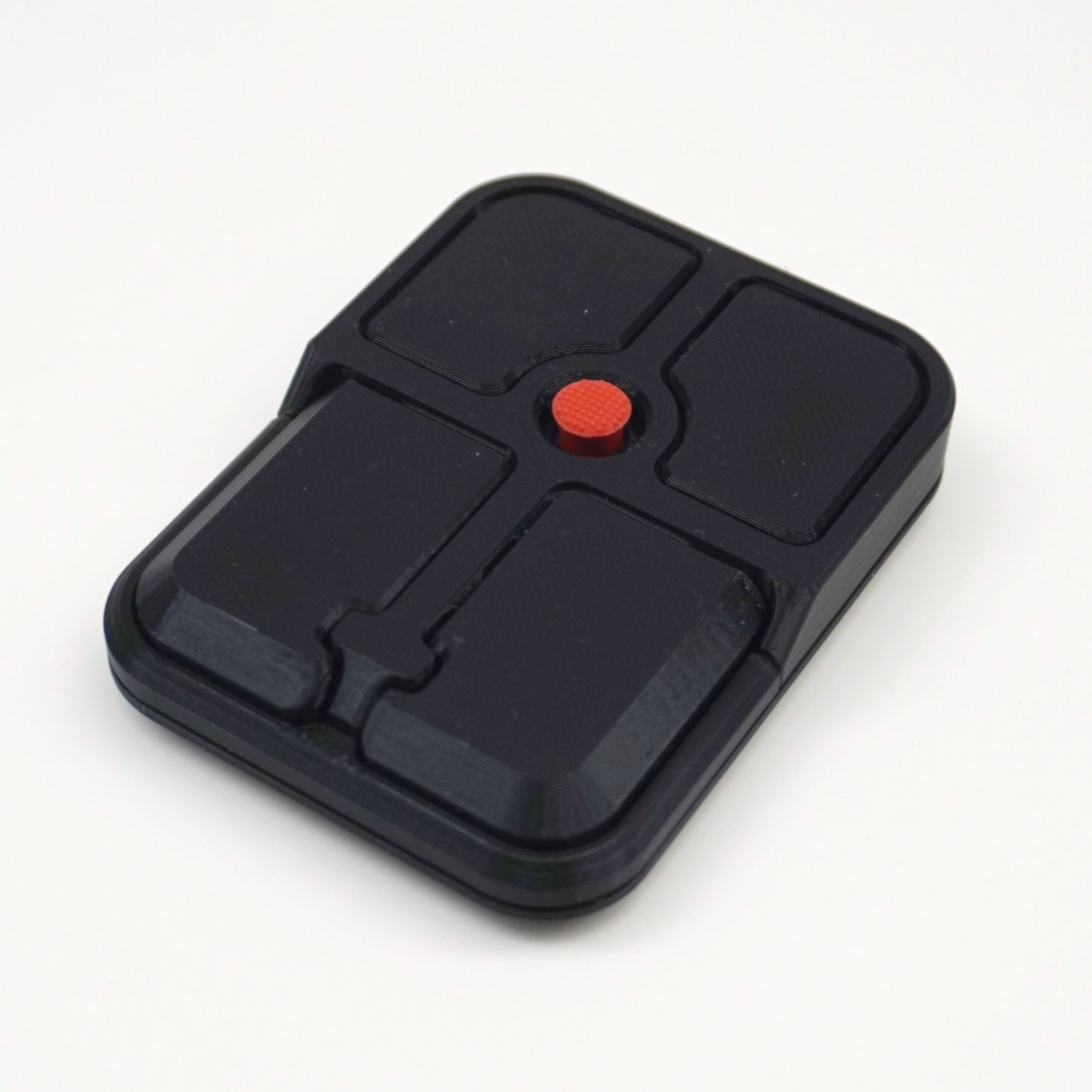
The Ploopy Bean Pointing Stick is a 3D-printed, open-source pointing stick mouse. It adds high-precision pointing stick functionality to any setup, and has four Omron D2LS-21 buttons for snappy, responsive clicks. It runs QMK and supports VIA, which allows for quick and portable customization. It’s fully assembled and ready to use immediately.
SKU: PLCMBEAS0001 Category: Bean
The Bean Pointing Stick is currently in a preorder phase. That means that any orders you place with us that include a Bean Pointing Stick will be shipped out on the basis of availability.
The preorder is split into different tiers:
The launch date for the Bean Pointing Stick is 6 May 2026.
Ploopy has a strong history of preorder management. We have released multiple products under these exact preorder conditions, and we have always successfully delivered all units within the promised amount of time.
3D-printed parts (black)
Electronics
Hardware
You can find full assembly instructions here. But…you don’t need them, since this comes fully-assembled.
The Bean Pointing Stick ships with QMK preloaded. Currently, we’re shipping with our version of QMK.
Want to load new firmware onto your Ploopy device? Loading new firmware is fast and easy, and doesn’t require anything except your computer. Check out our guide here. It includes a full set of instructions on loading new firmware. You can load new firmware with tools like QMK Toolbox or the QMK Configurator.
A note for macOS users: macOS does smoothing for input devices automatically. This interferes with the code that runs on the Bean, meaning that pixel-by-pixel high-resolution scrolling doesn’t work on macOS. Getting usable scrolling to work on macOS requires about 10 seconds of extra work; see here for full details.
Planning on modifying your device? Read through the official Modder’s Guide first for helpful tips!
Sometimes, ad-blocking software will interfere with the checkout process. It’ll result in the checkout page hanging forever after you’ve entered your payment information. If this is happening to you, try temporarily disabling your ad-blockers.
| Weight | .052 kg |
|---|---|
| Dimensions | 8.4 × 6.4 × 1.6 cm |
Shipping
Returns
We offer a 30-day return policy (shipping not included). We cannot accept returns for kit products that have been assembled.
For more details please refer to our General Terms and Conditions of Sale and our Help Center.
Included with your Ploopy hardware is a limited one (1) year manufacturers warranty from the date of purchase. Note that, among other terms, this warranty is automatically voided if you in any way alter the hardware, software or firmware you receive, including but not limited to flashing new firmware onto hardware you purchase from us.
For more details please refer to our Warranty Information.