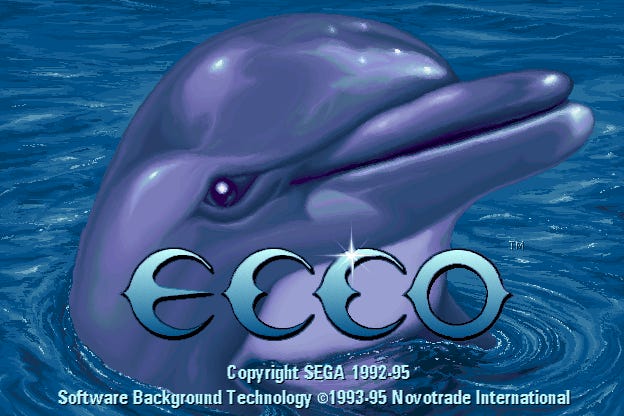
Today we’re examining the PC version of Ecco the Dolphin. This game is adapted from the 1993 Sega CD version of Ecco, which is an enhanced version of the 1992 Sega Genesis original.
There’s a full-featured debug mode cheat for the console editions. Among other things, it lets you skip stages and become invincible. But on PC, you have to fight your way through this notoriously difficult title the hard way.
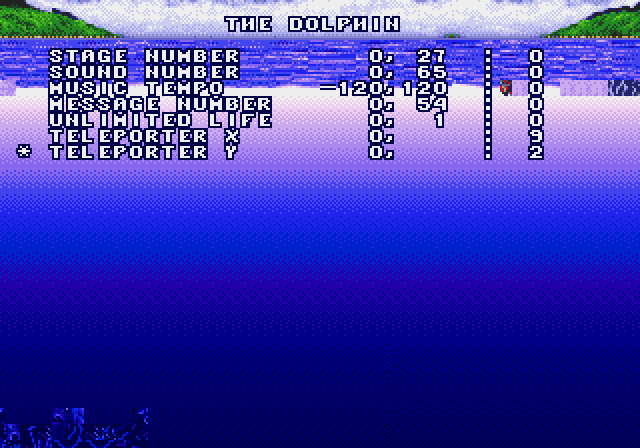
Debug mode in the Genesis version.
…Or do you? There’s some strange code in the function that handles this game’s About dialog:
This is checking whether the bottom-right corner of the dialog box is off-screen as it’s being dismissed.
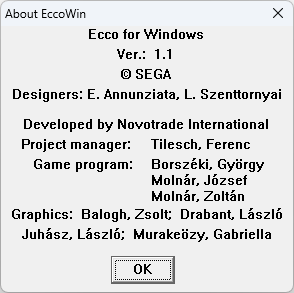
The About EccoWin dialog box.
After that check, the code calls GetKeyState for Shift and Ctrl. If those are being held down as the dialog disappears, LoadMenuA gets called for menu ID 0x70.
What’s that do? It allows you to access a cheat menu by pressing Shift+Ctrl and right-clicking on the main window:
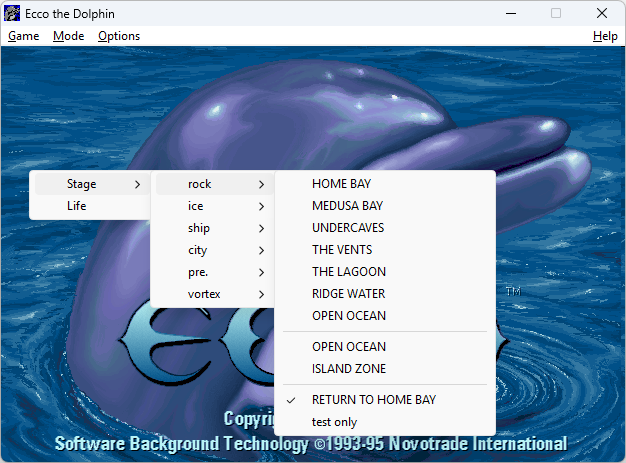
The cheat menu.
Stage lets you choose your starting stage, of course. Make a selection and press F2 to start playing. All of the items seem to work except for the one marked test only.
Life gives you unlimited health and air. The meters that track those stats disappear entirely when this cheat is enabled.
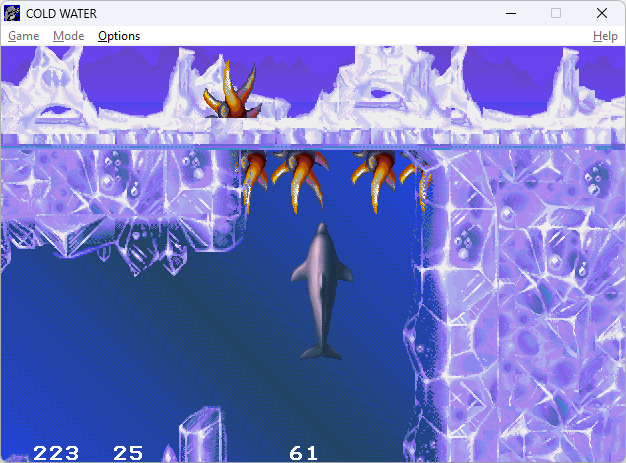
Unlimited life and air.
When the cheat menu is active, you’ll also see positioning information on the bottom of the screen. The numbers change as Ecco moves.
But wait, there’s more. That About EccoWin dialog handler function is checking for more conditions. The code asks:
Does the
uMsgargument correspond to theWM_RBUTTONDBLCLKevent?Does the
wParamargument have theMK_SHIFT,MK_CONTROL, andMK_LBUTTONbits set?Is the cursor in one of corners of the dialog box?
Translating that into English:
Open the Help > About EccoWin dialog.
Hold down Shift+Ctrl+Left Mouse button, then double-Right click on the bottom-right corner of the dialog box. The OK button will change to kO.
Keep holding Shift+Ctrl and dismiss the dialog box.
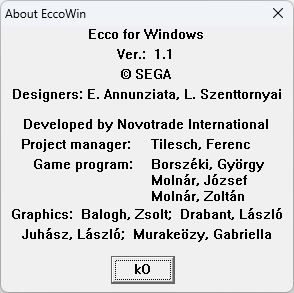
Extra cheats enabled.
Now the cheat menu, still accessed with Shift+Ctrl+Right click on the main window, will have additional items: Easy, CD check, and border.
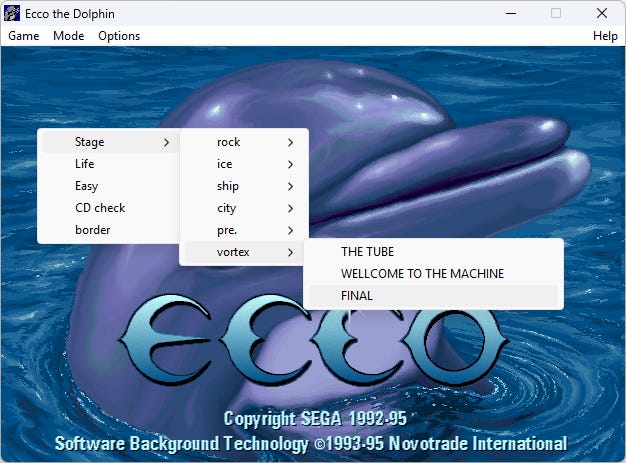
The enhanced cheat menu.
Based on the game code, Easy seems to be intended to reduce the cooldown timer associated with dashing. However, the in-game effect wasn’t terribly noticeable to me.
CD check gets rid of the This program can only be run from the original CD! nag screen.
border seems to have been intended to put some sort of resource meter around the edge of the screen. It doesn’t actually seem to be functional in the retail version of the game, though.
With the Stage and Life cheats, perhaps you will become one of the few people who have actually seen the ending of Ecco.
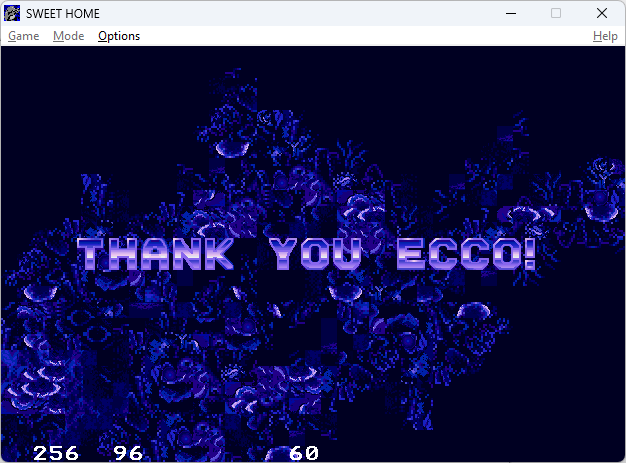
The dolphins’ message to Ecco
Many thanks to Bobblen for suggesting this game for analysis! I’ll be back soon with more Rings of Saturn.
No posts